
Bridge
A Bridge moves your crypto between different networks (blockchains) — for example, taking an asset from one network to another while keeping the same token.
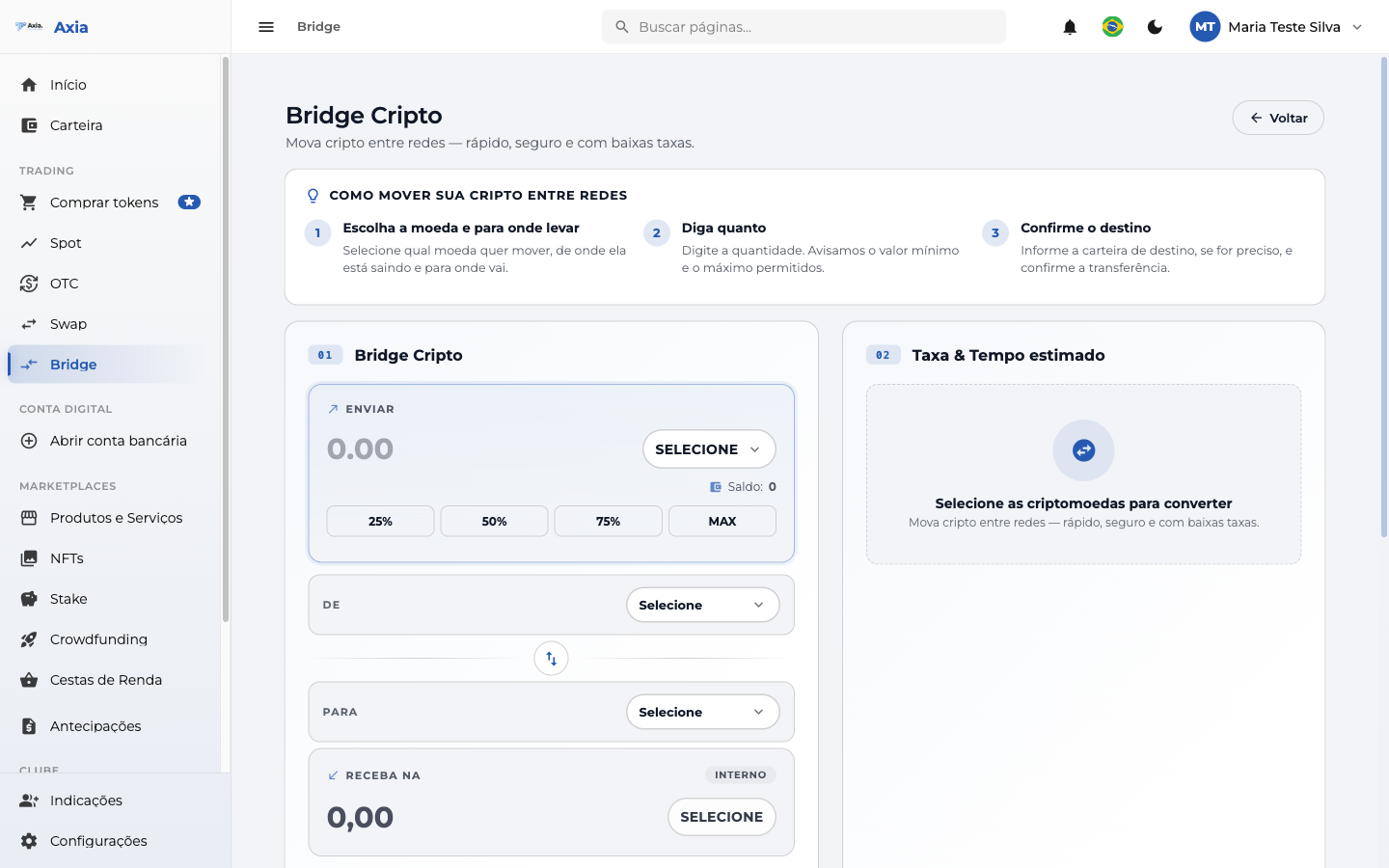
The top explains how to move your crypto between networks in three steps: choose the coin and where to send it, state how much, and confirm the destination.
How to use
| Field | Description |
|---|---|
| Coin and amount | Select the crypto and enter the amount (shortcuts 25% / 50% / 75% / MAX) |
| From / To | Source network and destination network |
| Swap (↕) | Switches source and destination |
| Receiving wallet | Automatic (your wallet on the platform) or Custom (enter an address) |
| Fee & Estimated time | Shows the cost and the expected time of the transfer between networks |
Once you fill in the coin, the amount, and the source and destination networks, the Fee & Estimated time panel shows how much you receive, the fee, the Bridge cost, and the estimated time:
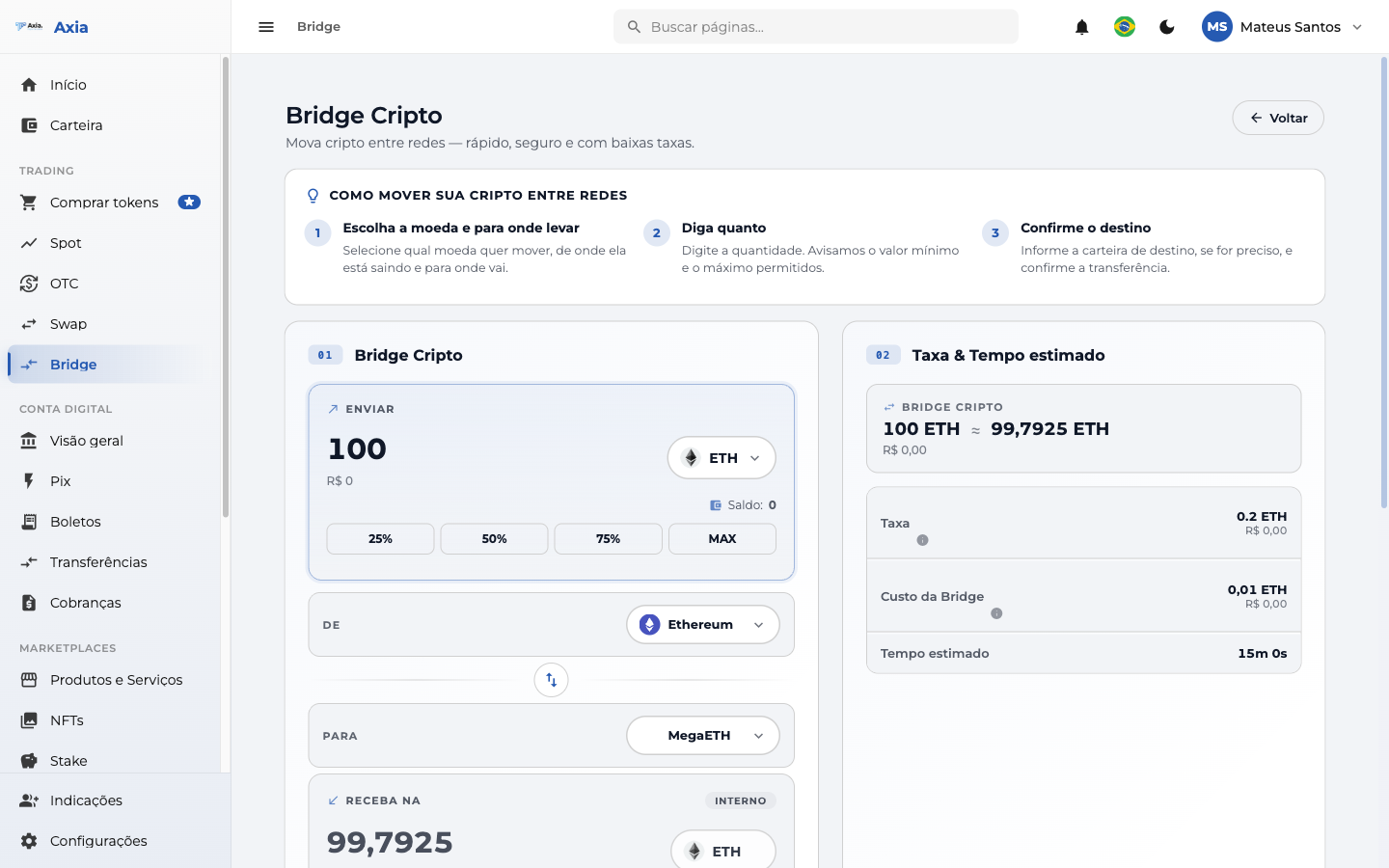
Check the fee and the estimated time and confirm to start the transfer between networks.
Check the network
Transfers between networks depend on the correct address and network. When using a custom wallet, check the address carefully — transfers to the wrong network/address may be lost.