
Deposits
In Deposits you add balance to your digital account — receiving via PIX or generating a boleto to charge third parties.
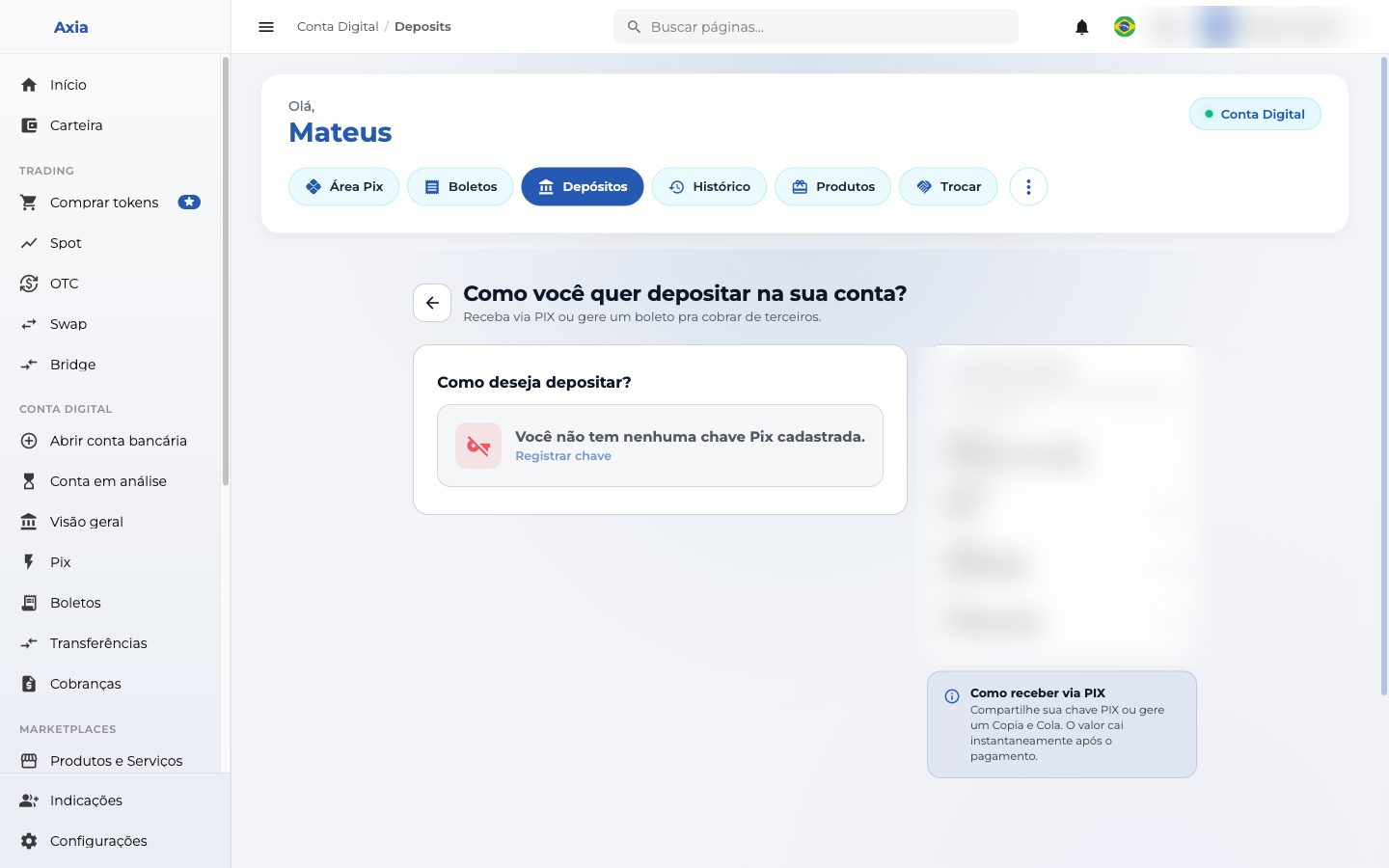
How would you like to deposit?
- Receive via PIX — uses one of your Pix keys. If you don't have a key registered yet, the screen offers Register key (see Pix → My keys).
- Boleto — generate a deposit boleto.
Account details
The Account details block shows the information for transfers from other banks to you (use these details in your origin bank's app):
- Bank, Branch, Account, and account holder's CPF — each with a copy button.
How to receive via PIX
Share your Pix key or generate a Copy and Paste code — the amount is credited instantly after payment.