
Spot
Spot trading is for those who want to choose the price and quantity when buying or selling, using the order book and the real-time chart.
At the top, the screen shows a summary of how to buy and sell in 3 steps: choose what to trade, build the order, and confirm.
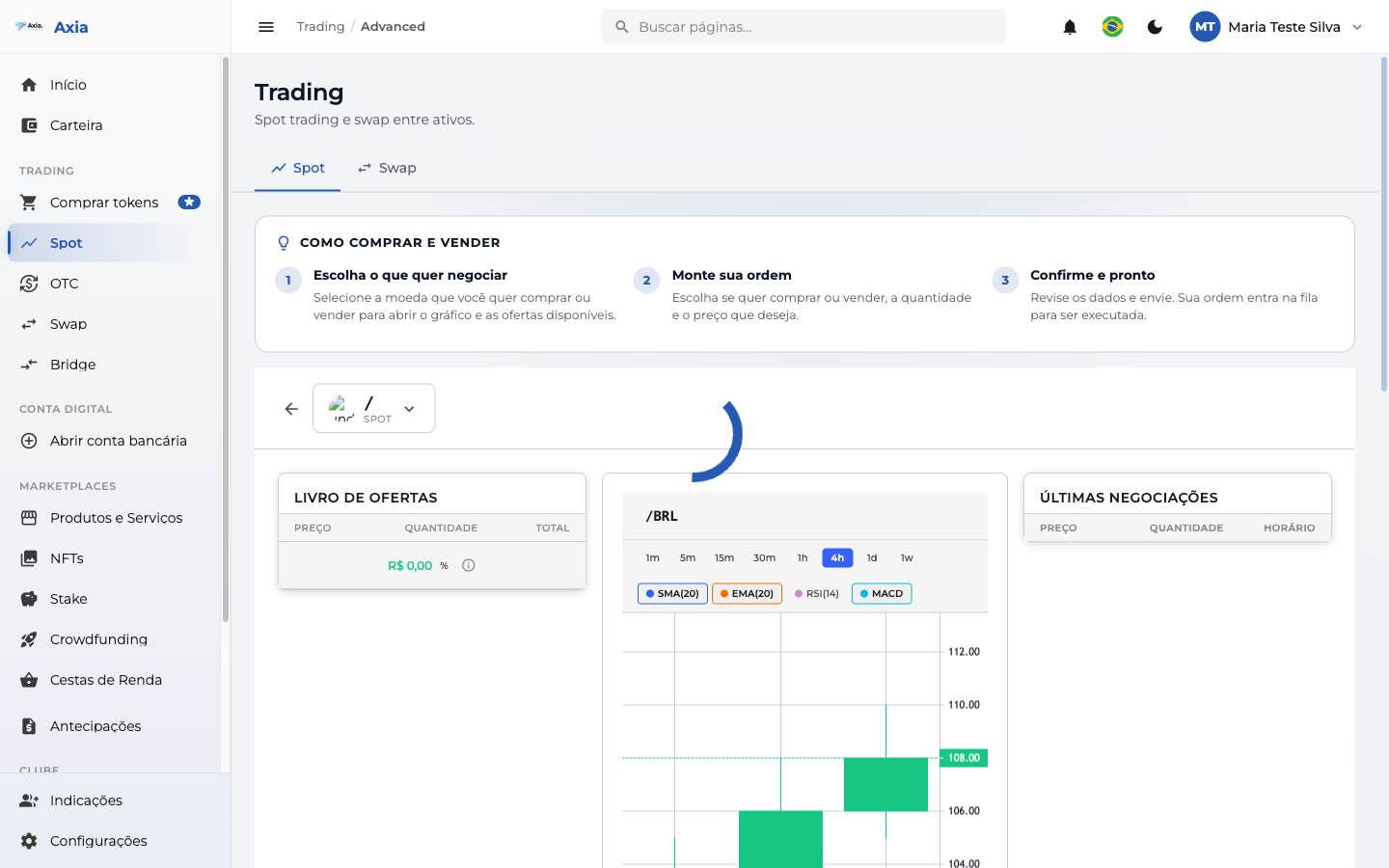
1. Choose the market
Click the pair selector and choose the desired market in the Select Market window (with search and filters):
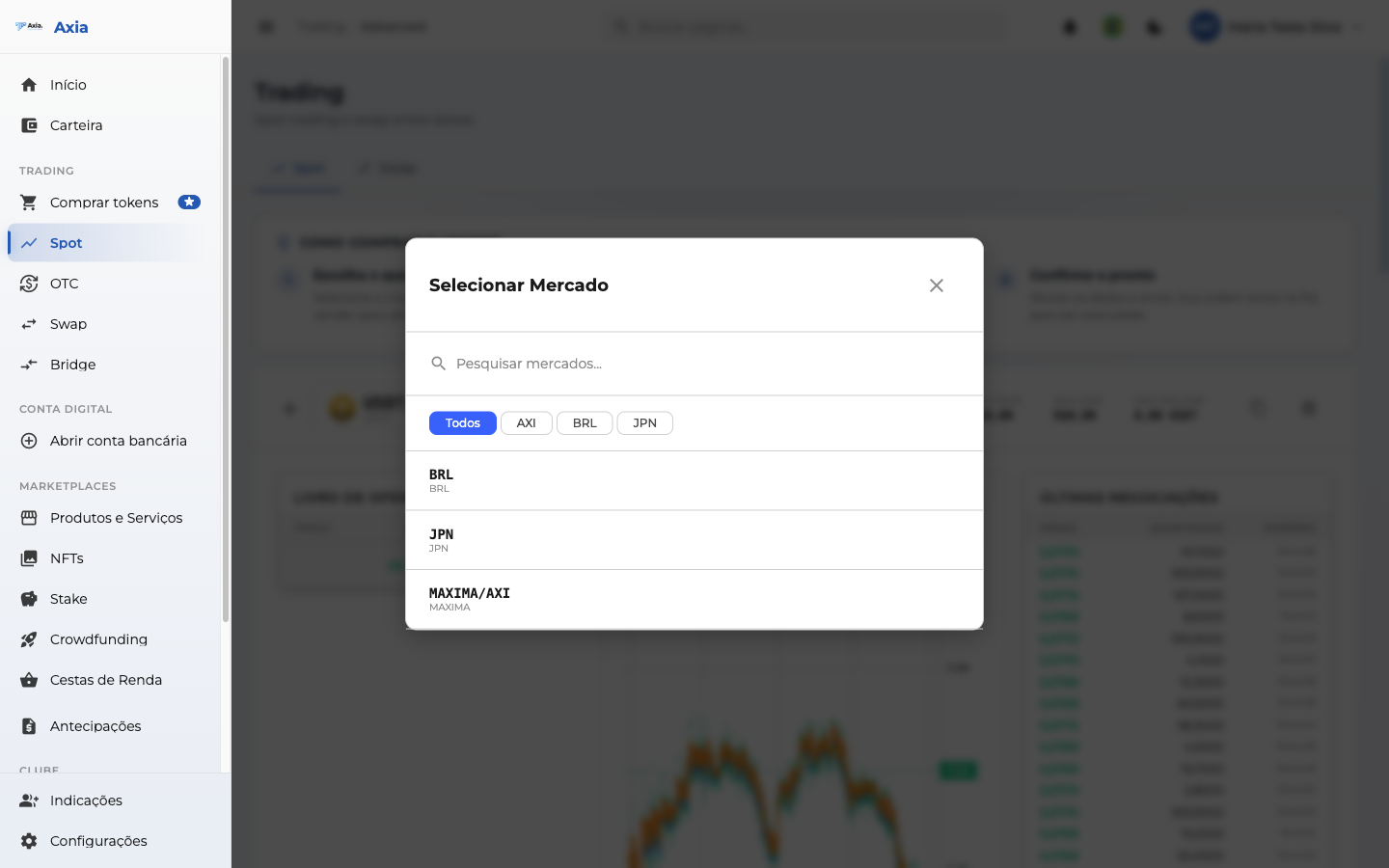
Once you choose, the screen loads the order book, the chart (periods from 1m to 1s and SMA, EMA, RSI, MACD indicators), and the latest trades for that pair.
2. Build the order
Below are the Buy and Sell panels, side by side:
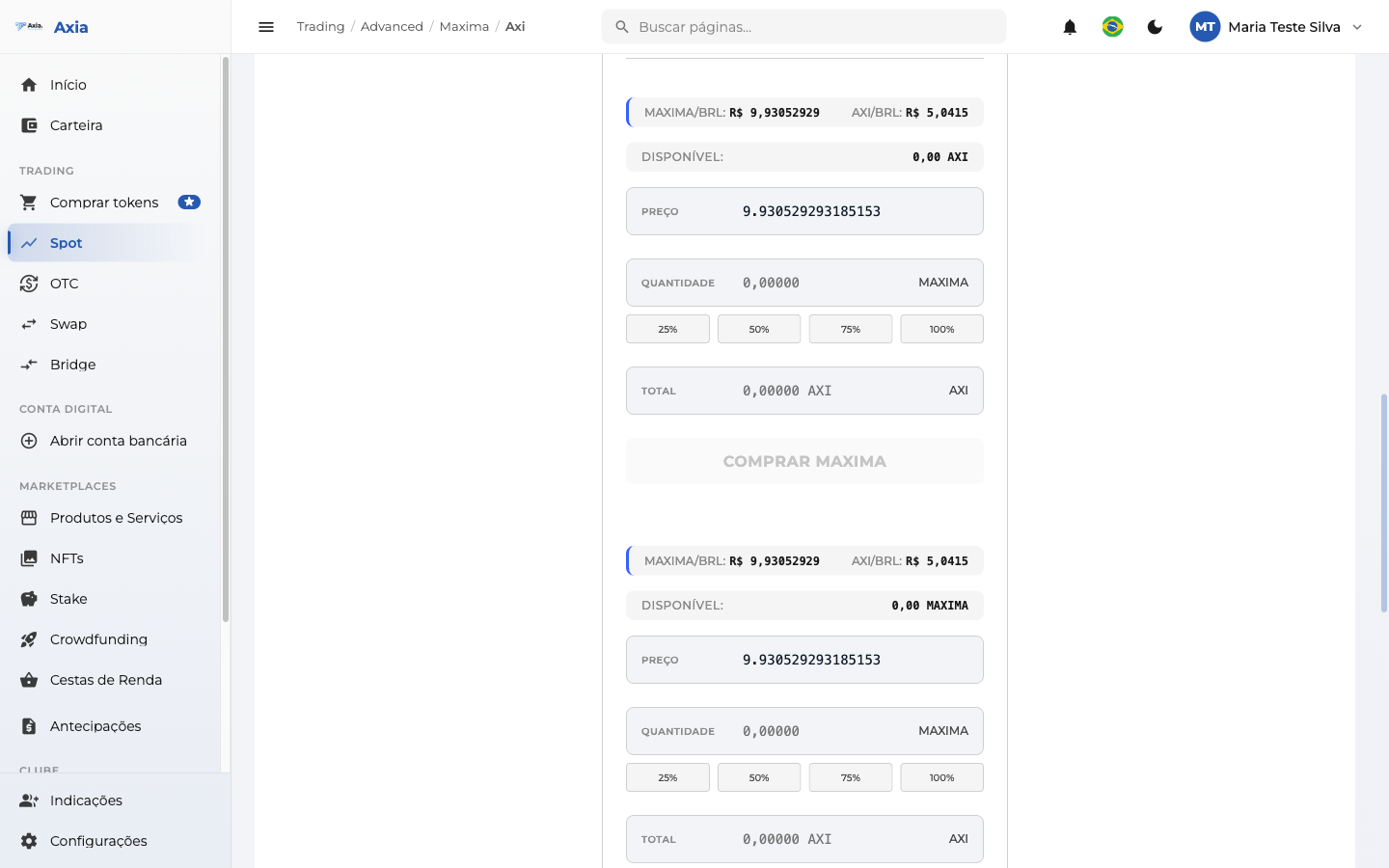
In each one you define:
| Field | Description |
|---|---|
| Limit / Market | Order at a defined price (limit) or at the current price (market) |
| Price | Desired price (in Limit mode) |
| Quantity | How much to buy/sell — with 25% / 50% / 75% / 100% shortcuts of the available balance |
| Total | Total of the operation, calculated automatically |
The Available field shows your balance in the pair's currency. Click Buy [token] or Sell [token] to submit the order.
TIP
The buy/sell button only enables when you have a balance in the pair's currency and have filled in the quantity. The order enters the execution queue and you can track it in My orders, just below (with All / Buys / Sells filters).