
Trading
The Trading area brings together every way to buy, sell, and convert assets on the platform: Buy tokens, Spot, OTC, Swap, and Bridge. Each one serves a different scenario.
Buy tokens
Direct purchase of tokens offered by the platform, without having to build an order. See the step-by-step guide in Buy tokens.
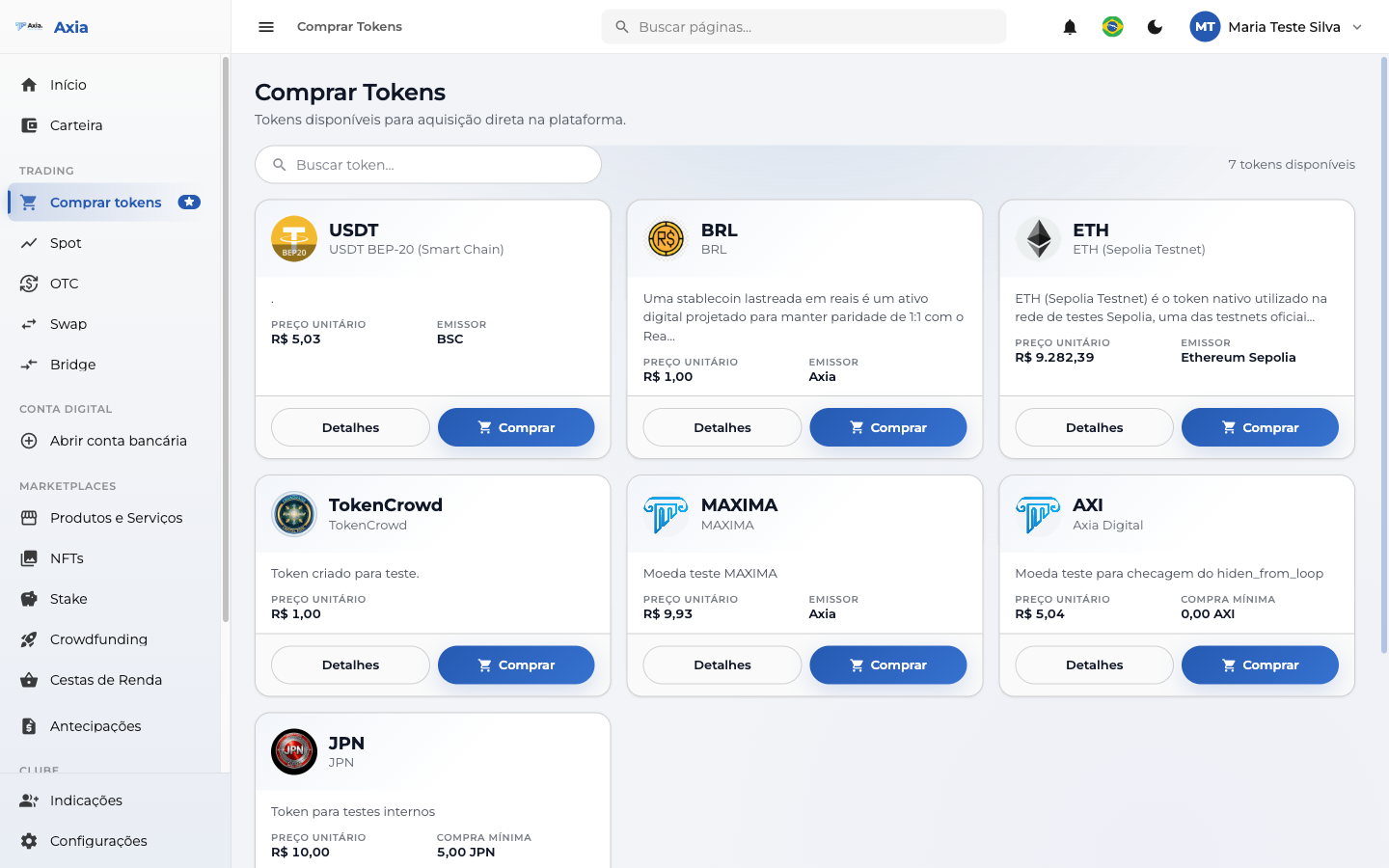
- Use Search token to find the asset you want.
- Each token shows the price along with the Details and Buy buttons.
Spot
Trading with an order book and a real-time chart — for those who want to choose price and quantity. See the step-by-step guide in Spot.
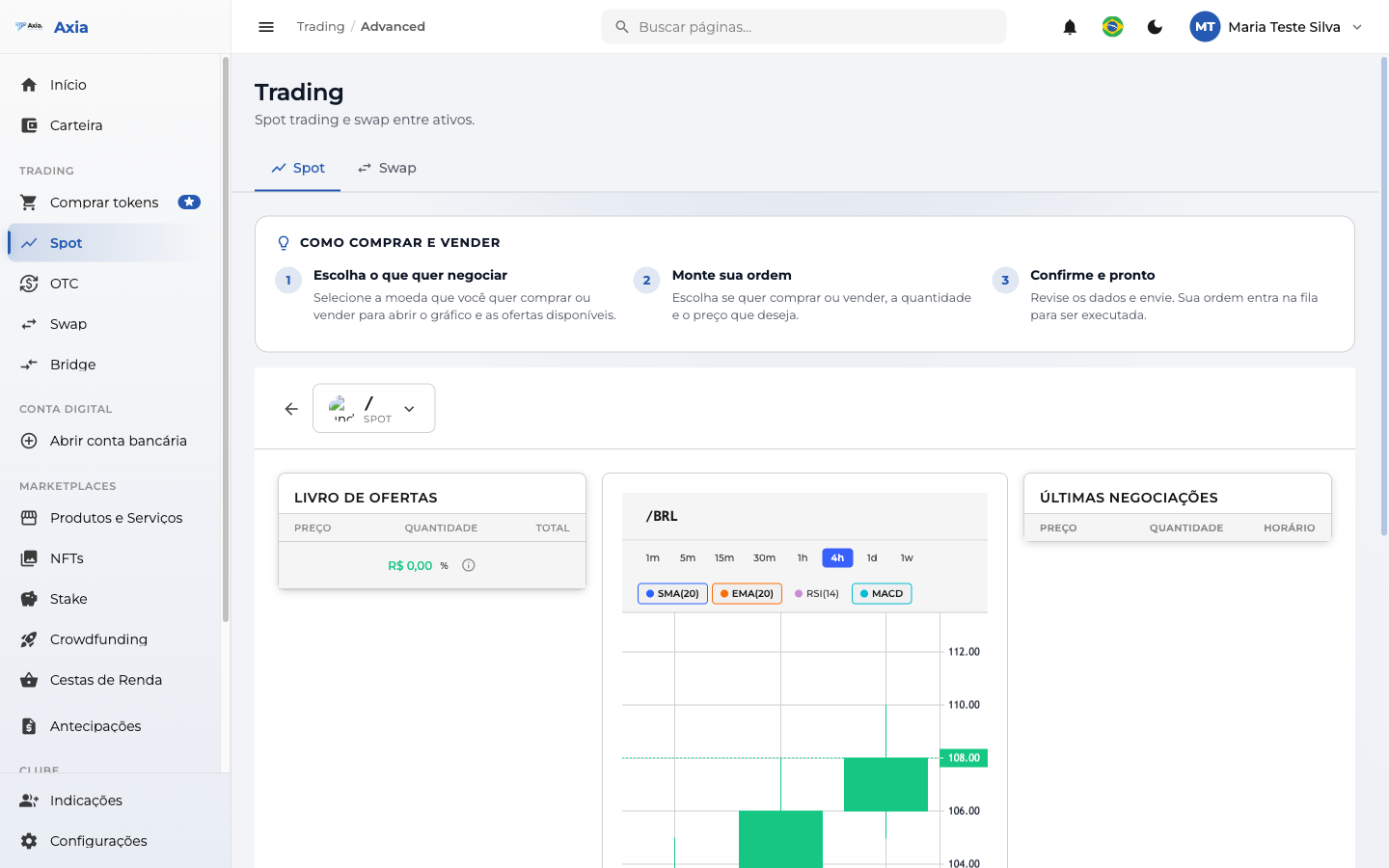
The top of the screen shows a summary of how to buy and sell in 3 steps:
- Choose what you want to trade — select the pair to open the chart and the offers.
- Build your order — set buy or sell, quantity, and price.
- Confirm and you're done — review and submit; the order enters the queue for execution.
On the screen you'll find the Order book, the chart (with periods from 1m to 1s and indicators such as SMA, EMA, RSI, and MACD), the latest trades, and your orders. There's also the option of a Limit order or a Market order.
OTC
The OTC Desk (institutional) is recommended for larger operations, with a custom locked quote. See the step-by-step guide in OTC.
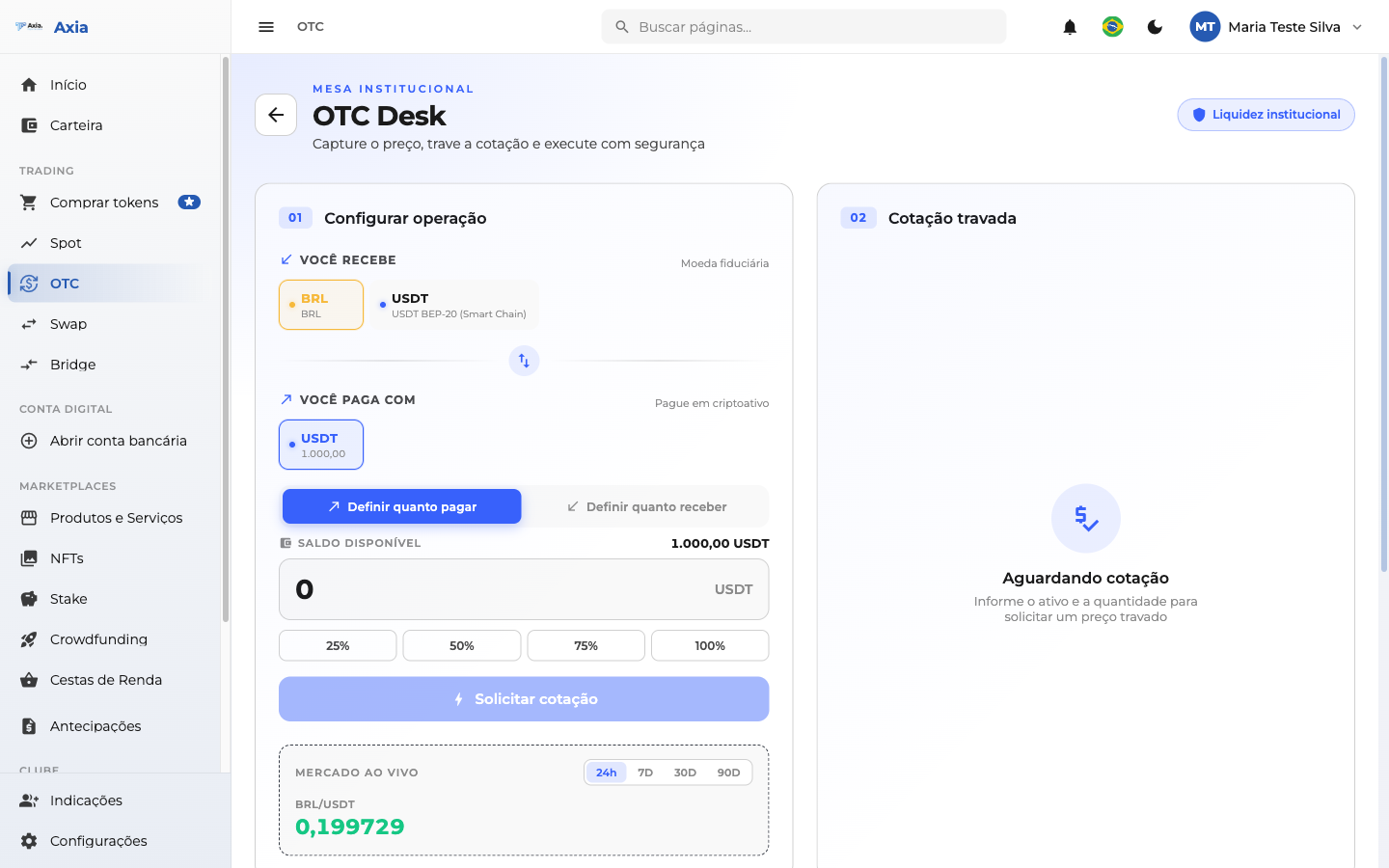
- In Set up operation, choose what you receive and what you pay with.
- Set how much to pay or how much to receive.
- Click Request quote and wait for the locked quote to confirm.
Swap
The Quick swap (Swap) converts one crypto into another in a simple way, without an order book.
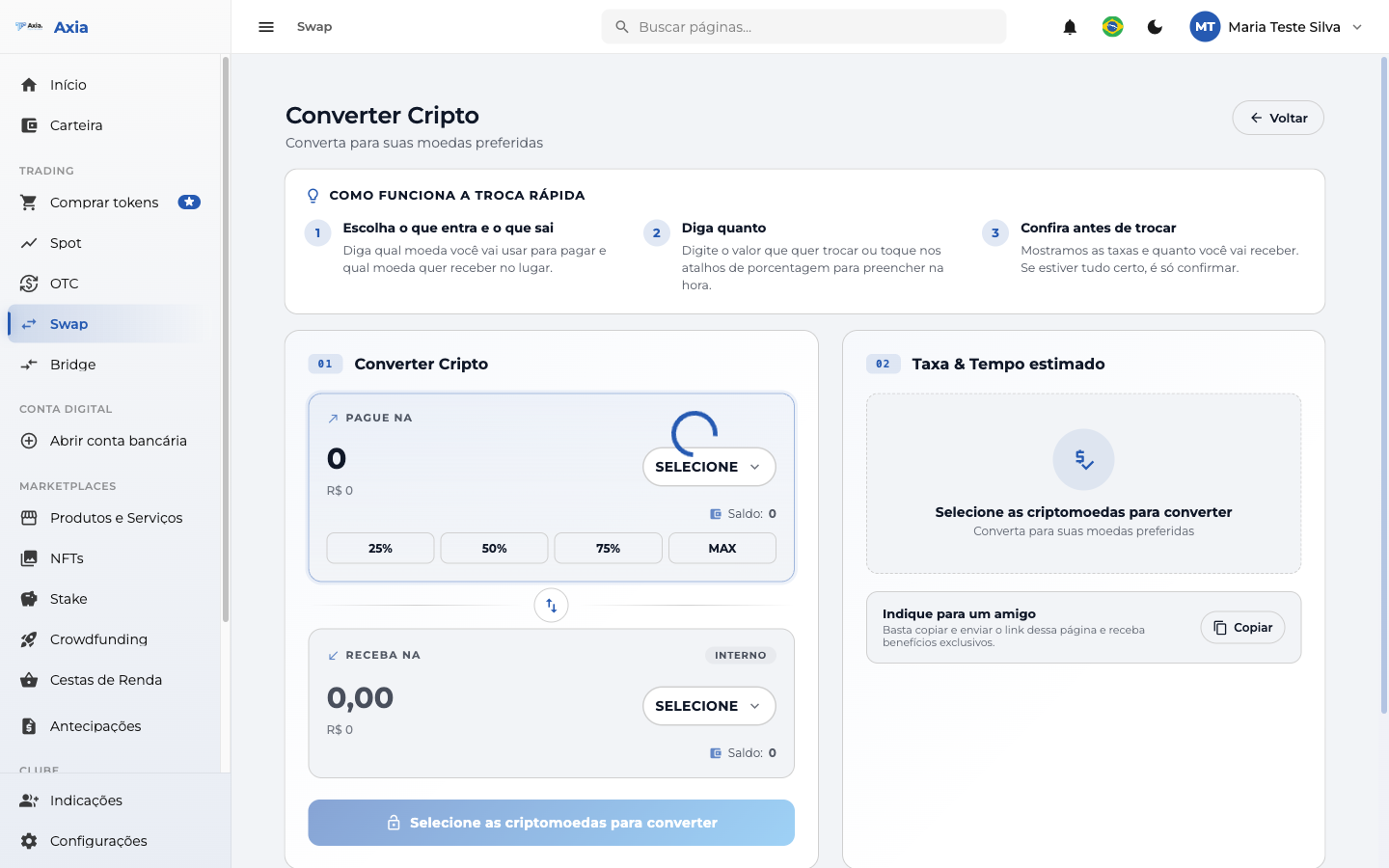
- Choose what you want to swap and for which asset.
- State the amount — enter the value (shortcuts for 25%, 50%, 75%, and MAX).
- Review before swapping — check the fee and estimated time and confirm.
Bridge
The Bridge moves your crypto between different networks (blockchains).
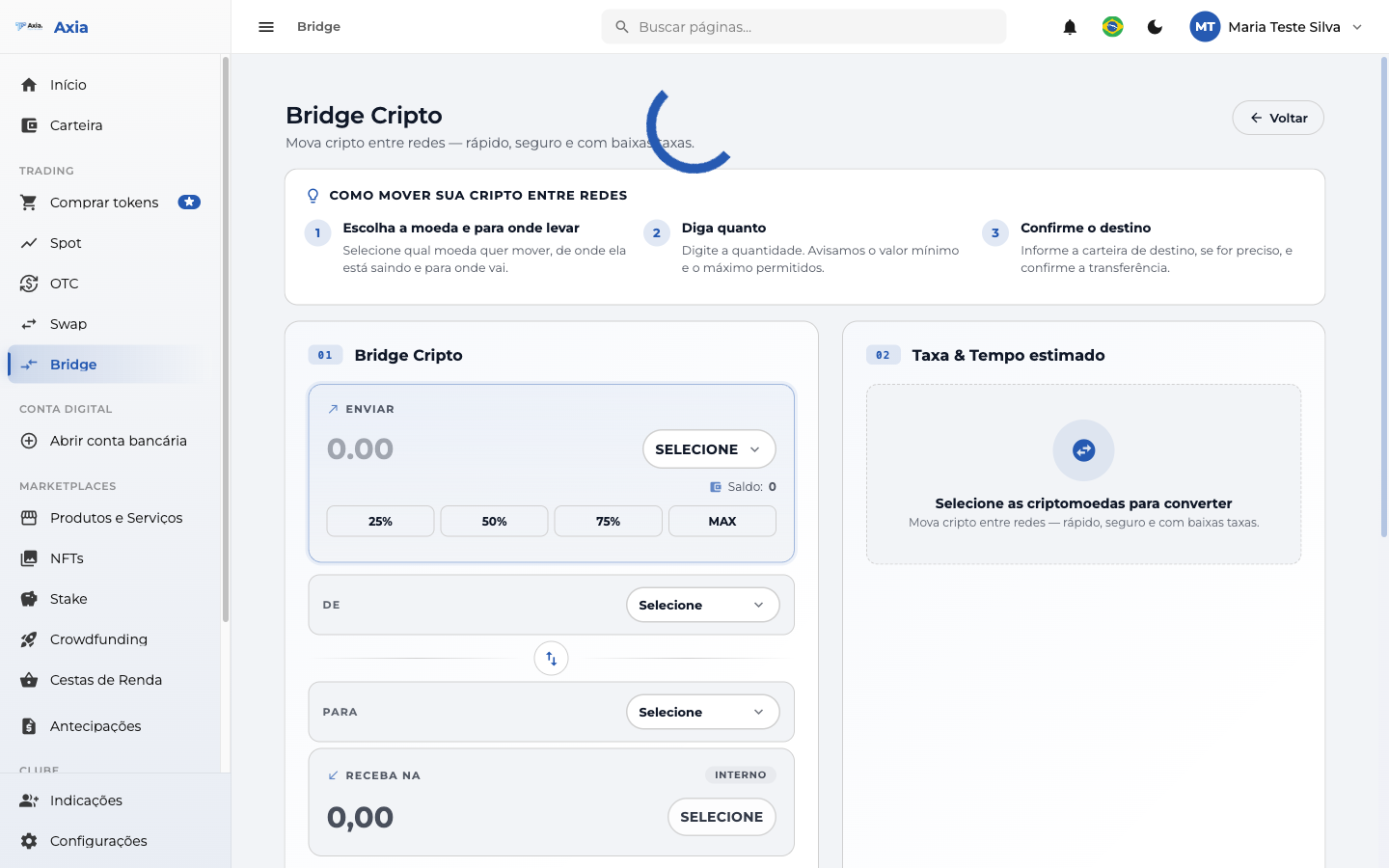
Choose the source and destination network, enter the amount, and confirm; the screen shows the fee and estimated time of the cross-network transfer.
Which one to use?
- Buy tokens / Swap — fast and simple, for everyday use.
- Spot — full control over price and quantity.
- OTC — larger volumes with a dedicated quote.
- Bridge — when you need to move an asset to another network.