
Getting to know the interface
Once you log in, you always find the same frame: a top bar with quick actions and a side menu with all the navigation. Understanding these two elements makes it easier to use any area of the platform.
Top bar

From left to right:
| Element | What it's for |
|---|---|
| ☰ Menu | Collapses or expands the side menu, freeing up space on the screen |
| Search pages | Quickly find any page on the platform by name |
| 🔔 Notifications | Opens your notices and alerts |
| Language | Changes the platform language |
| Theme | Switches between light and dark mode |
| Your profile | Accesses your details and the option to sign out |
Languages
The platform is available in three languages. Click Language in the top bar and choose:
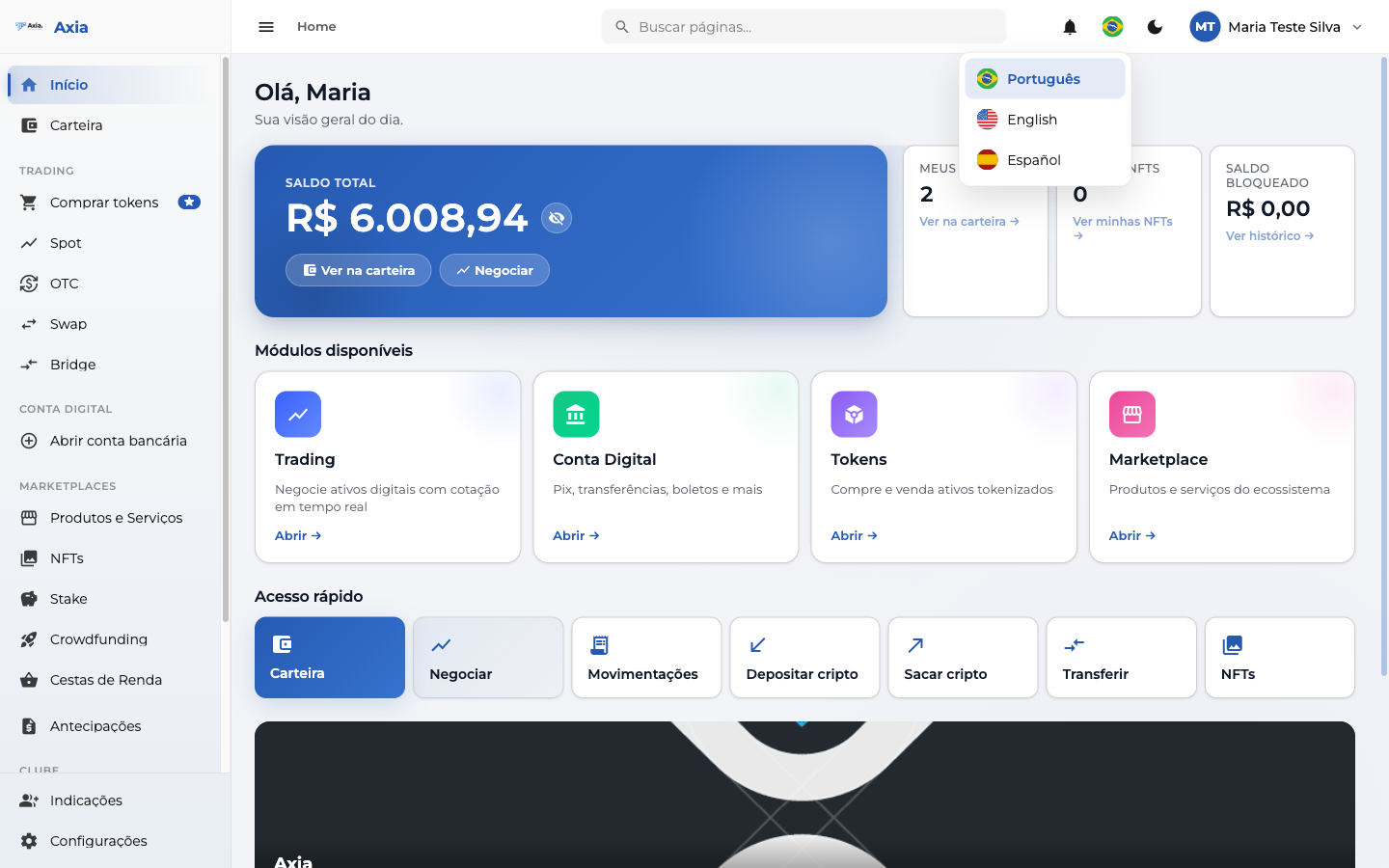
- Português
- English
- Español
The change is immediate and applies to the entire navigation.
Light and dark theme
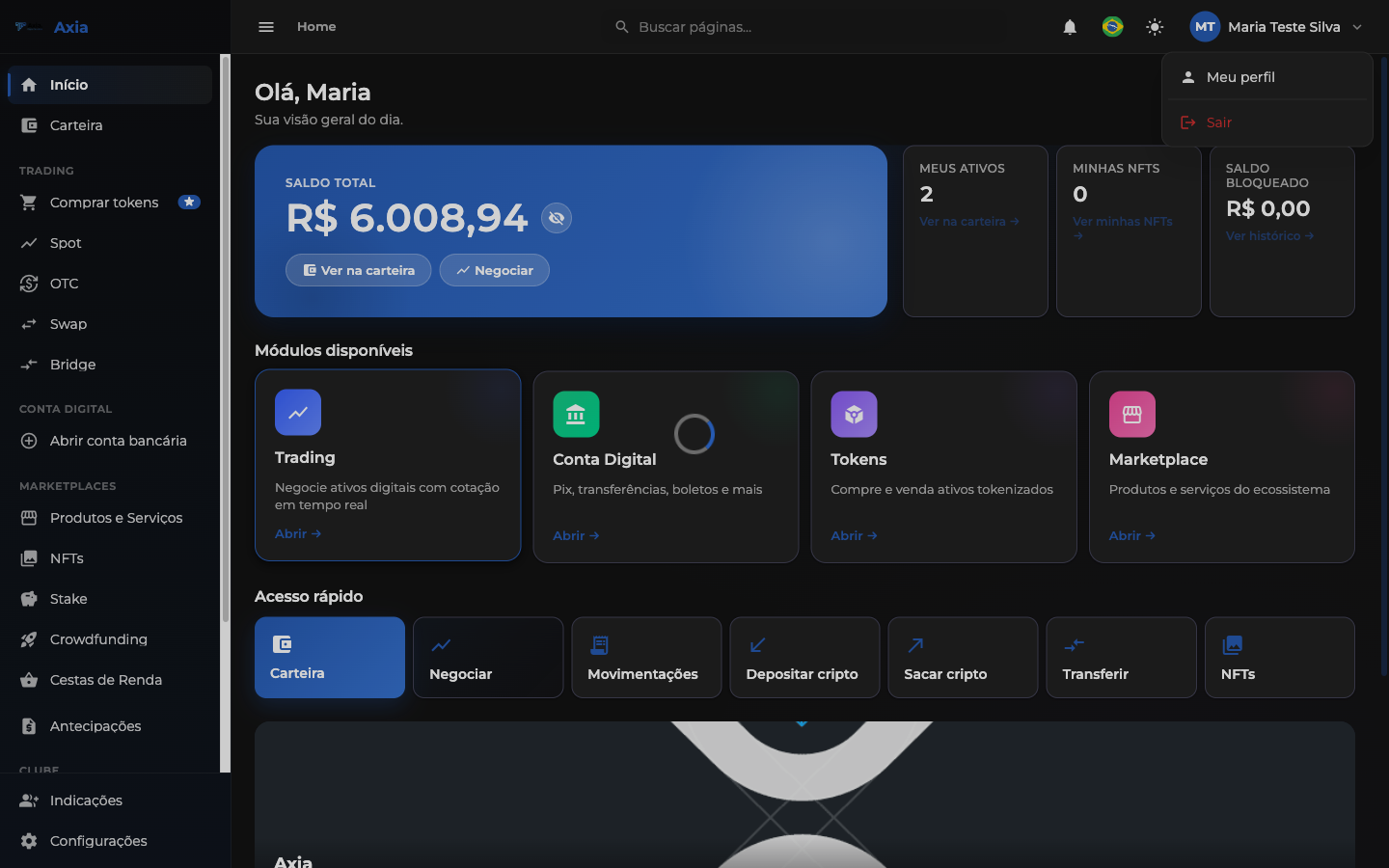
Using the theme button you can switch between light and dark mode, according to your preference. Dark mode keeps all the information and highlight colors:
TIP
Your language and theme choices are saved for your next visits.
Profile menu
In the right corner, your name opens a quick menu:
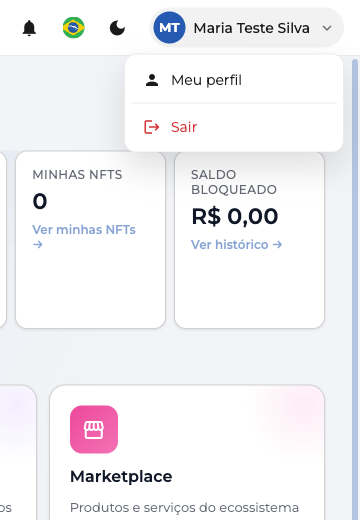
- My profile — personal data, security (2FA), preferences and account settings.
- Sign out — ends your session securely.
Side menu
The side menu brings together all the areas of the platform, organized by group:
- Home — your overview of the day.
- Wallet — your balances, tokens, NFTs and history.
- Trading — Buy tokens, Spot, OTC, Swap and Bridge.
- Digital Account — bank account, PIX, payment slips, transfers and charges.
- Marketplaces — Products and Services, NFTs, Stake, Crowdfunding, Income Baskets and Advances.
- Club — Rewards Club, Referrals and Earnings statement.
- Tools — Settings and other account adjustments.
TIP
The menu adapts to your account type and the features enabled for you — that's why some items may or may not appear, depending on your profile.
Each of these areas has its own guide in the next sections.