
Wallet
The Wallet brings together, in one place, your assets, NFTs, and transactions. It is organized into four tabs: Overview, Tokens, NFTs, and Transactions.
Tokens
The Tokens tab lists all the assets available in your wallet, with a search field and the total number of tokens. Each card shows the asset's symbol and name:
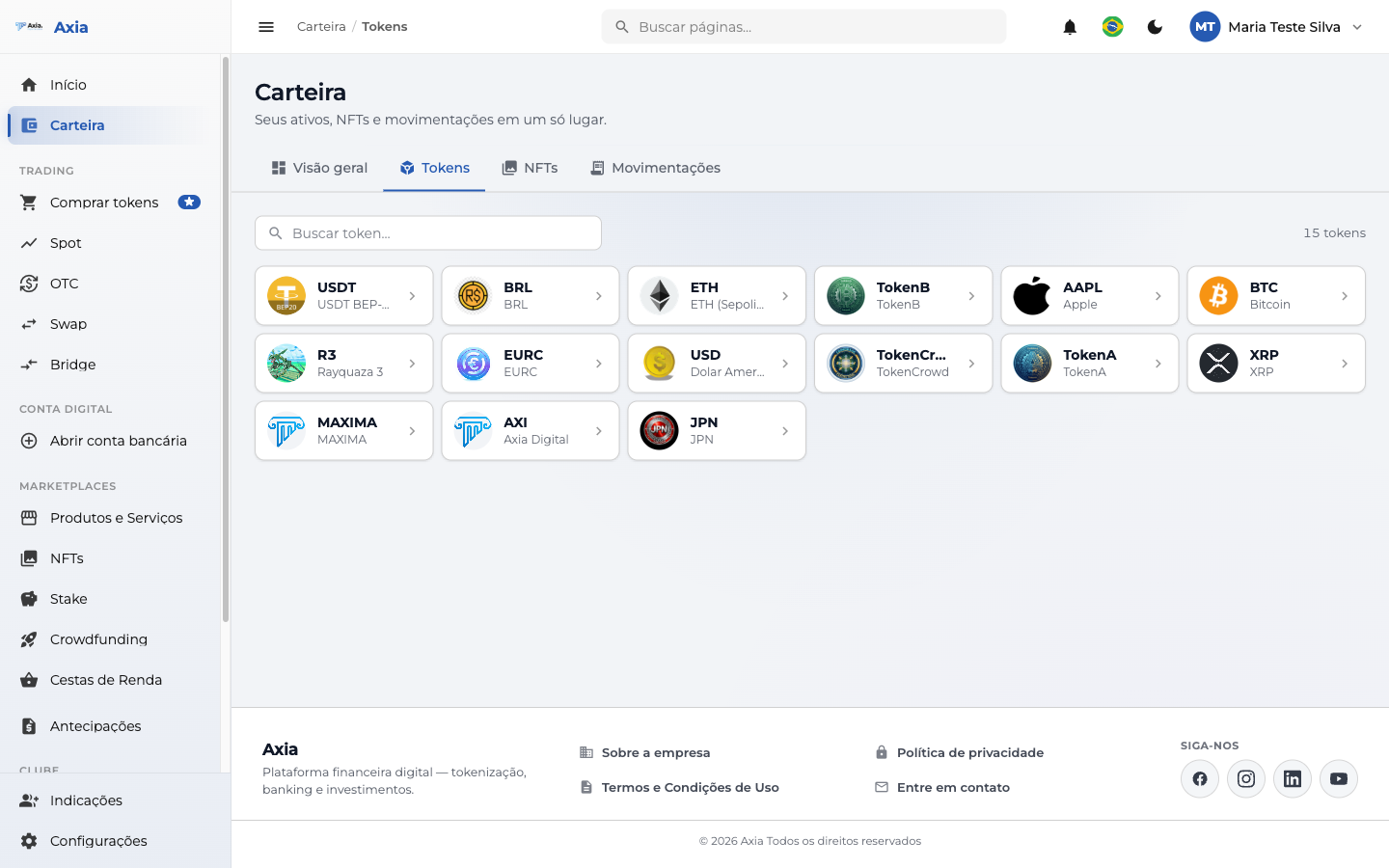
- Use Search token to filter by name or symbol.
- Click a token to see its details and available actions.
NFTs
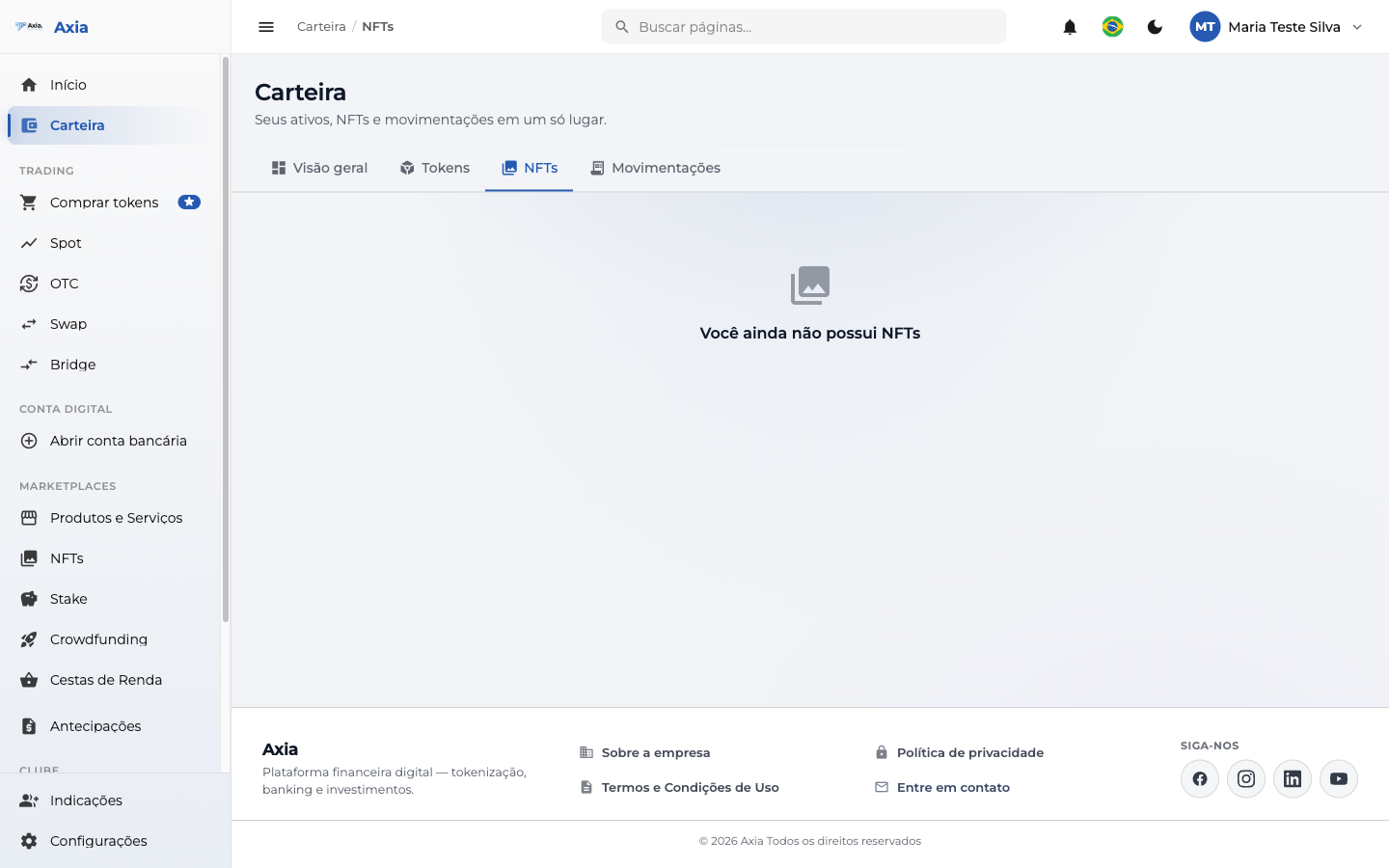
The NFTs tab shows the non-fungible tokens you own. When you don't have any yet, the platform displays a friendly notice:
Transactions
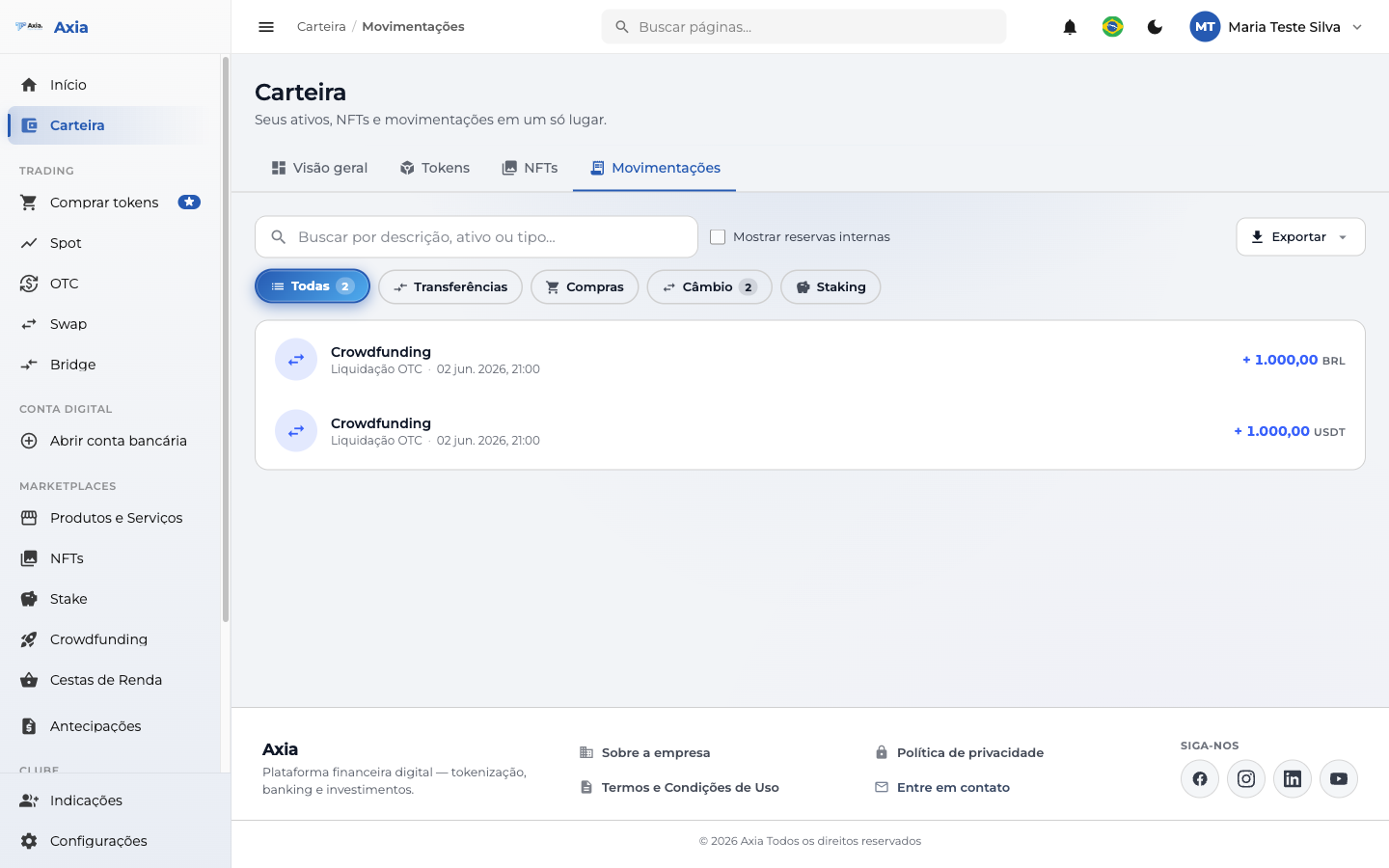
The Transactions tab is your statement: all inflows and outflows, with search and filters by type.
| Feature | What it's for |
|---|---|
| Search | Filters by description, asset, or type |
| Filters | All, Transfers, Purchases, Exchange, Staking |
| Show internal reserves | Includes internal transactions in the listing |
| Export | Downloads the history to keep or review |
Each entry shows the description, the date/time, and the amount (with the asset and the inflow or outflow sign).
Overview
The Overview tab consolidates a summary of your wallet — balances and highlights — serving as a starting point before you dive into each specific tab.
TIP
From the wallet, you can quickly reach the actions to deposit, withdraw, and transfer your assets.