
Crowdfunding
Crowdfunding brings together Tokenized Offerings under CVM Resolution No. 88 — you invest in company fundraising rounds and track everything in real time.
Catalog
The home screen lists active fundraising rounds and offerings that have already been successfully funded, with filters by asset class, duration, return, and sorting.
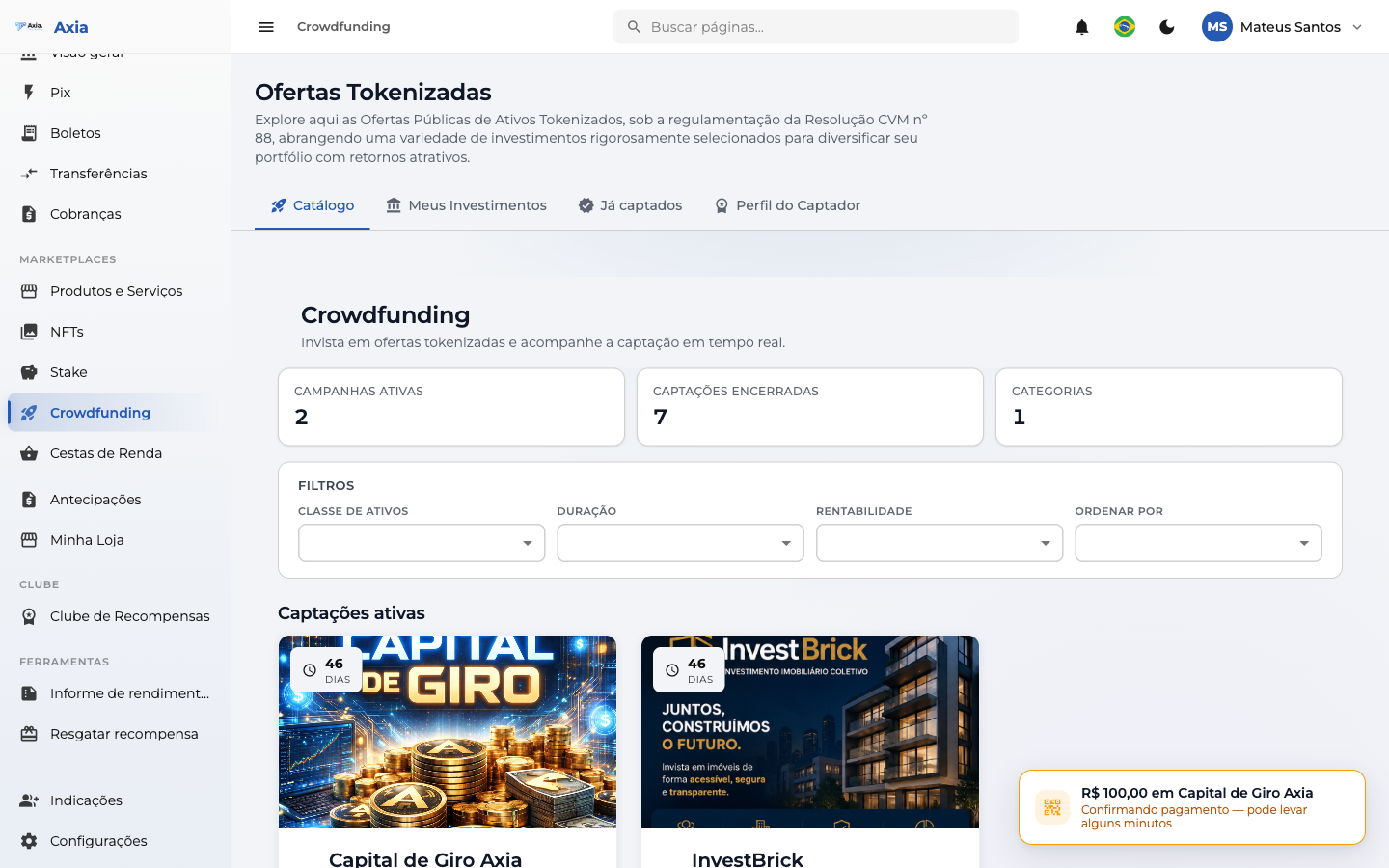
- Tabs: Catalog, My Investments, and Funded.
- Each offering shows its return, amount, and an Invest button.
Offering detail
When you open an offering, you see the summary: amount raised, projected return, term, minimum contribution, and risk type.
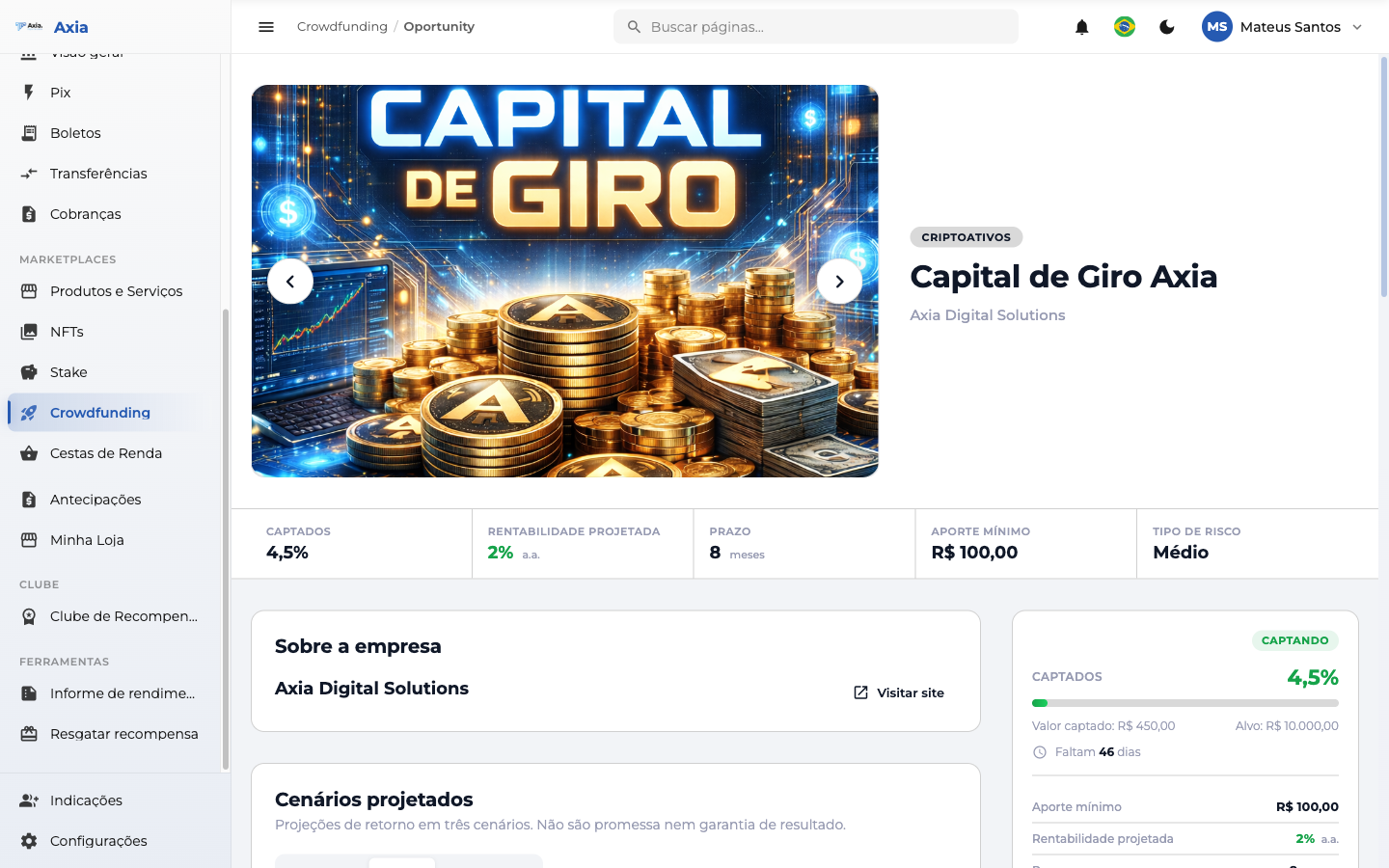
The side panel gathers the figures and the Invest and Technical sheet actions:
- Amount raised and target, days remaining.
- Minimum contribution, projected return, term, risk type, and the start and end dates of the fundraising round.
The offering is detailed across several sections and tabs:
About the company and Projected scenarios
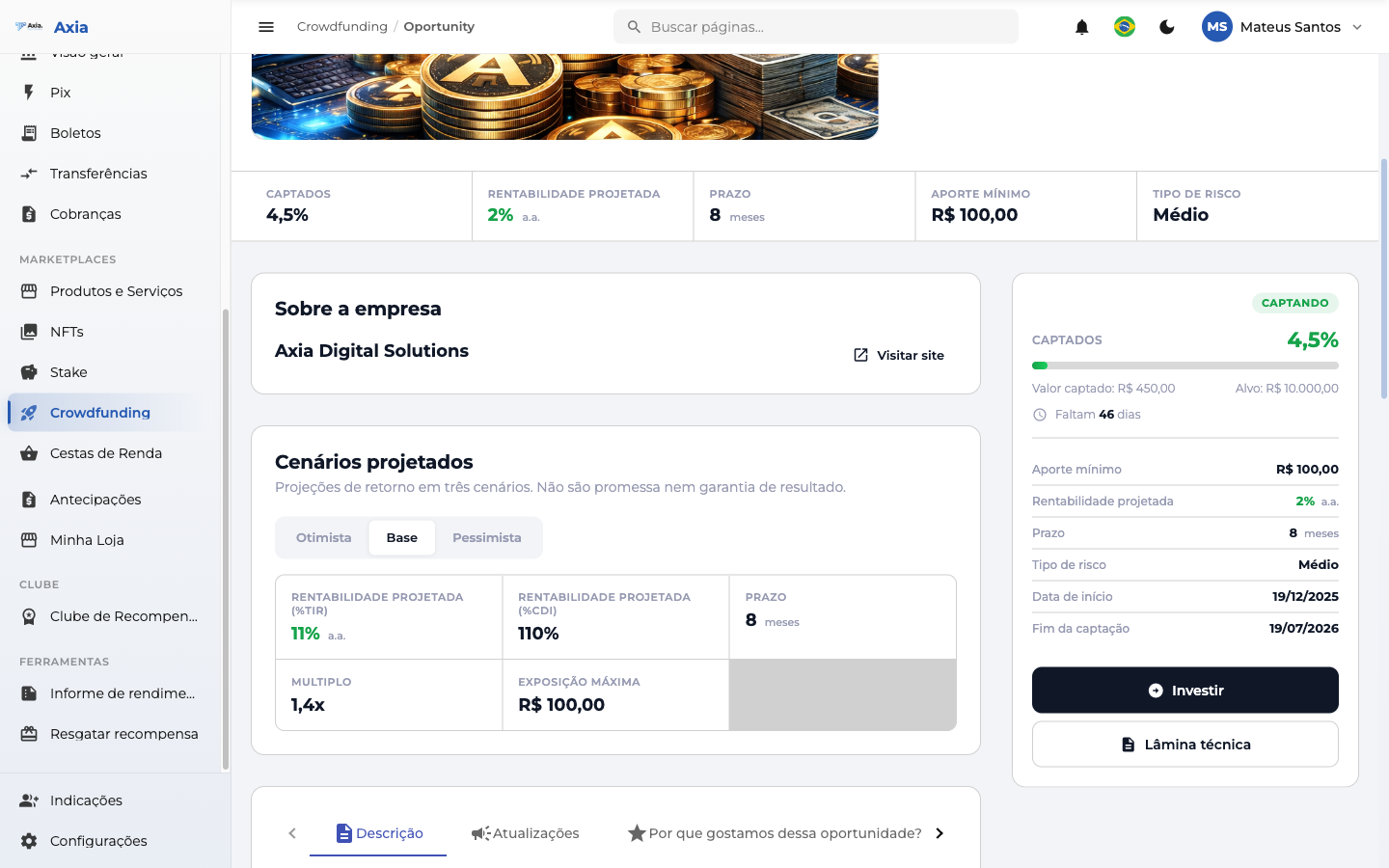
Under Projected scenarios there is a simulator: enter a contribution and see the projected return based on the expected rate of return.
Description and Updates
The Description and Updates tabs show the offering text and the news published by the fundraiser.
Payment Schedule
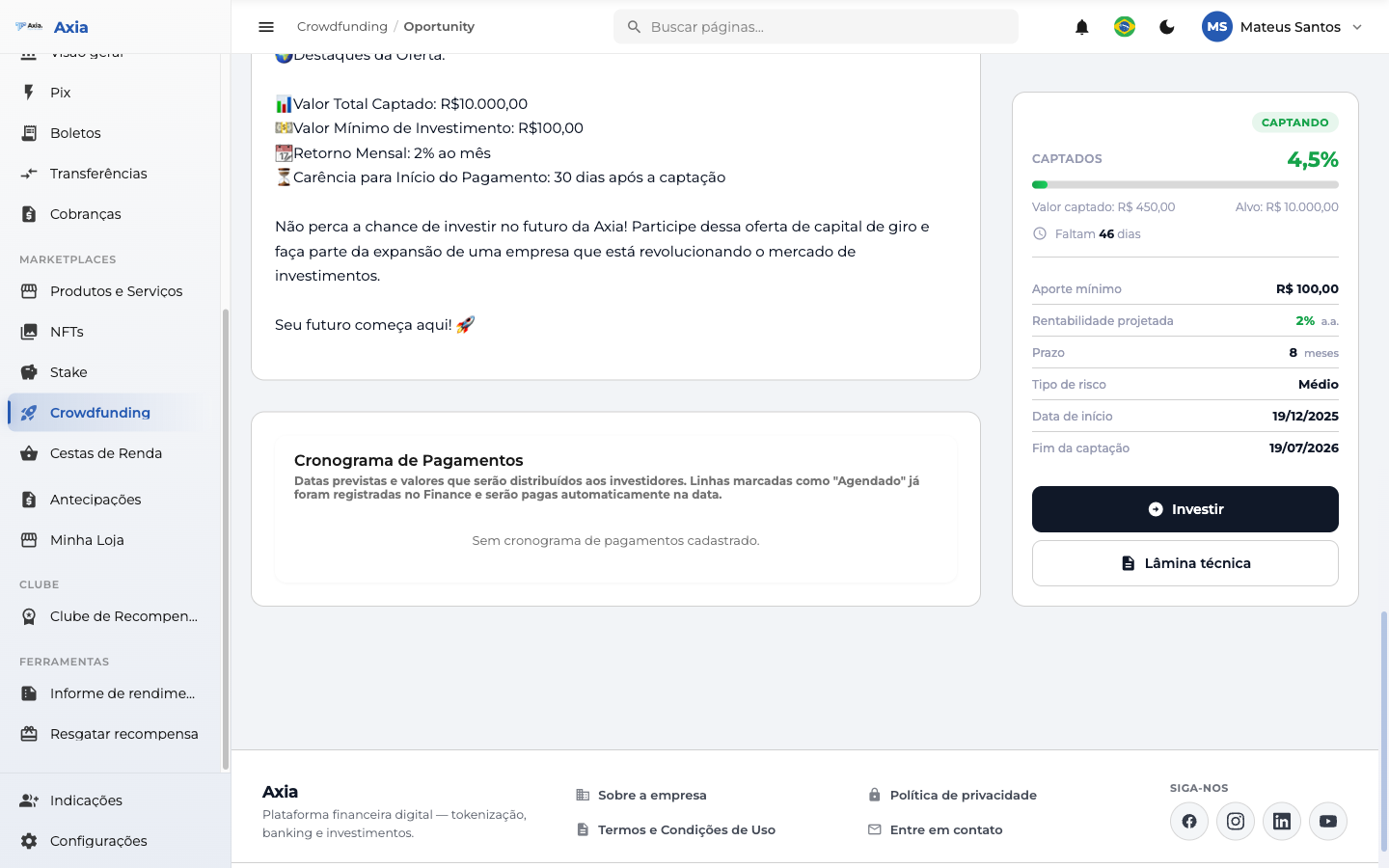
Shows the dates and amounts scheduled for distribution to investors.
Legal Document Package
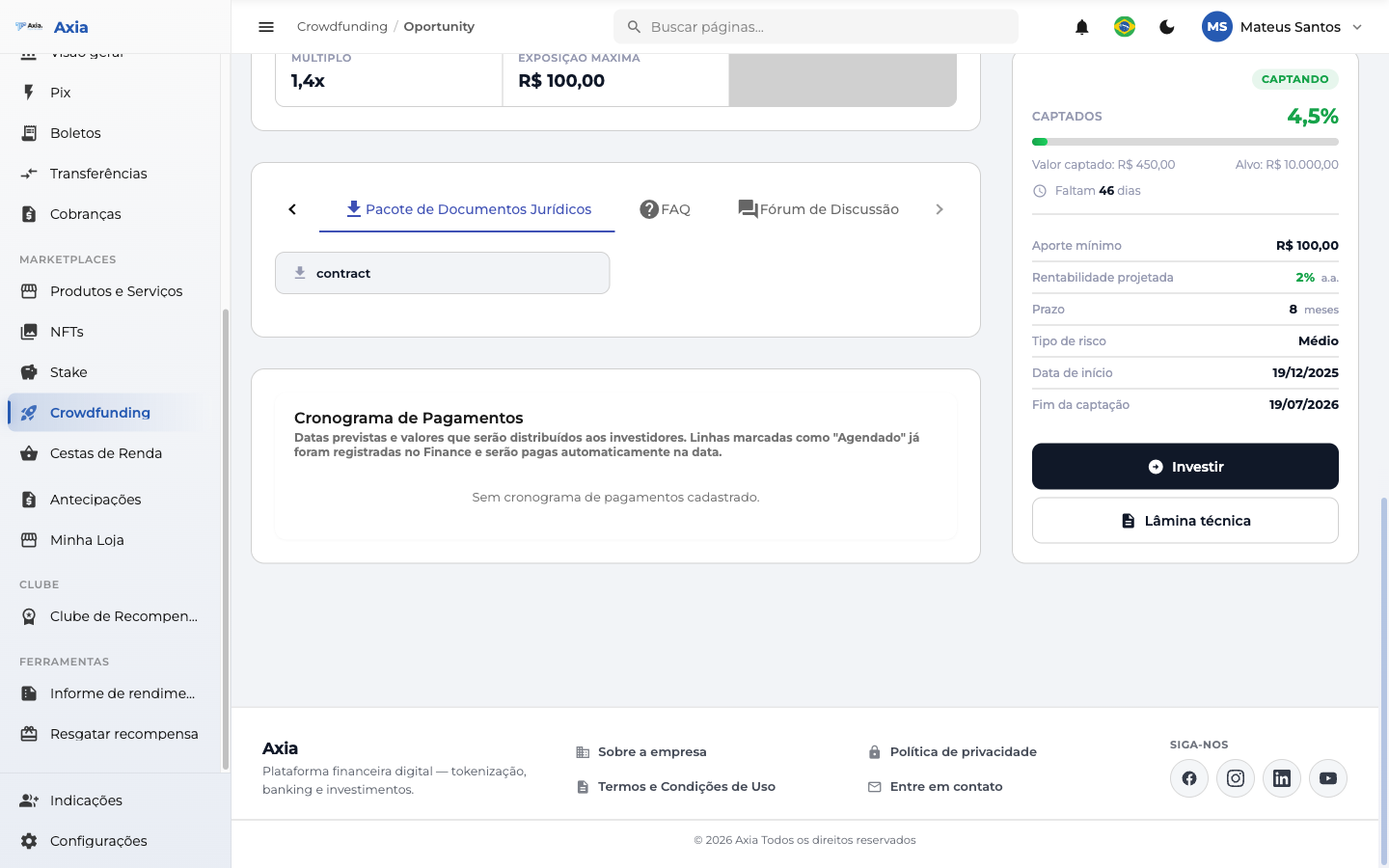
Download the legal documents for the offering (contract and attachments).
FAQ
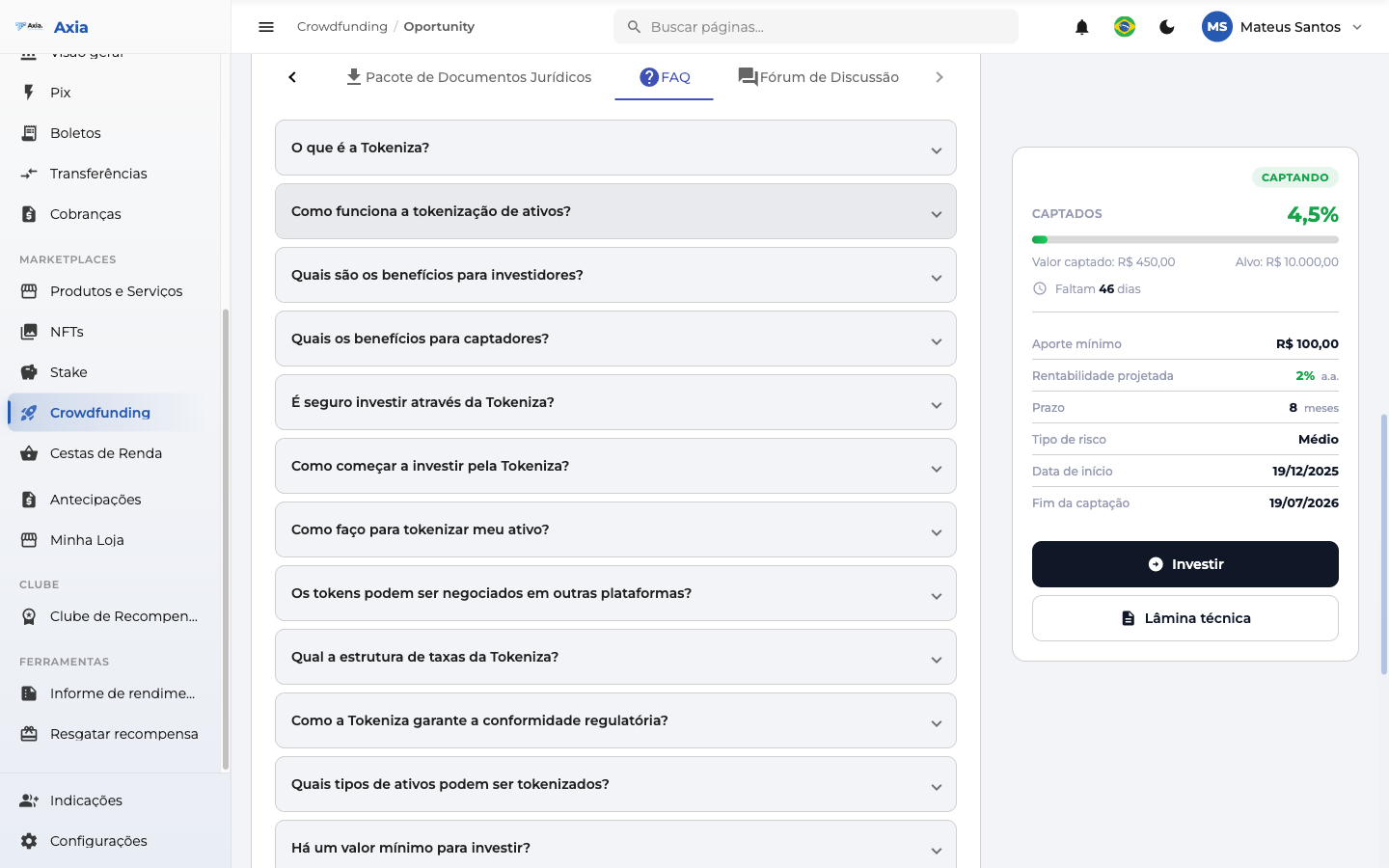
Frequently asked questions about tokenization, benefits, security, fees, and regulatory compliance.
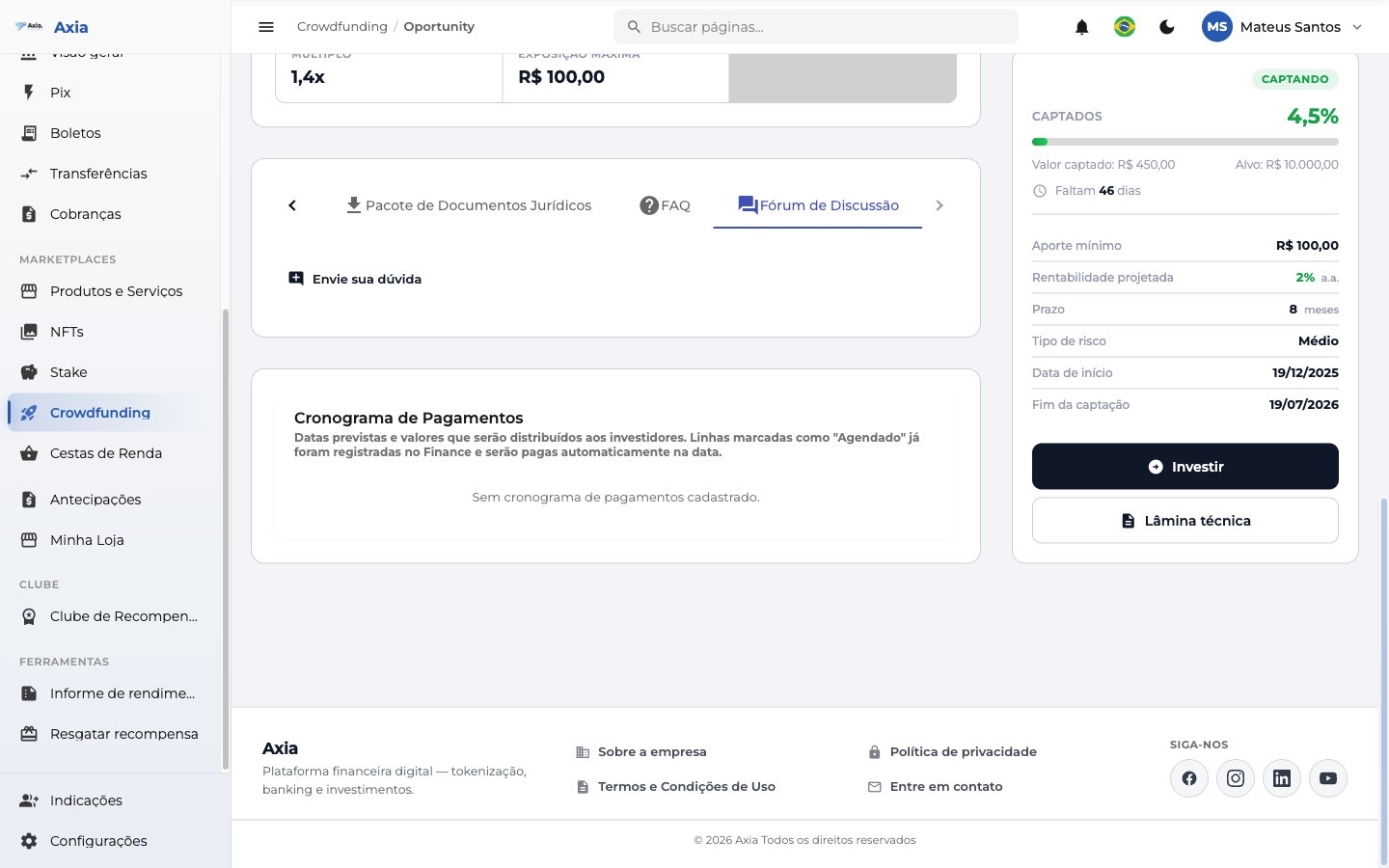
Discussion Forum
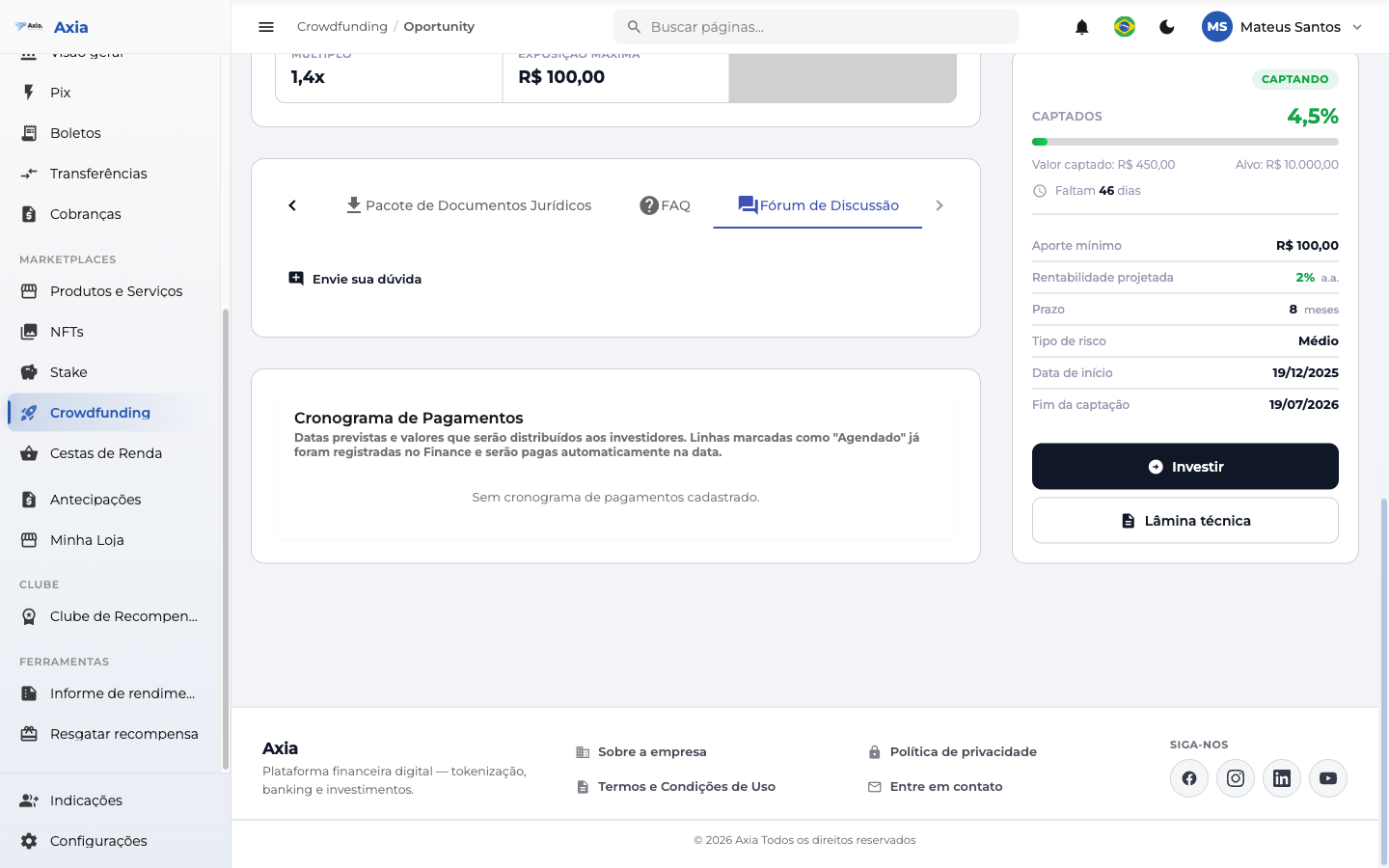
A space to submit questions and follow the answers about the offering.
Invest
In the side panel, click Invest to open the investment checkout:
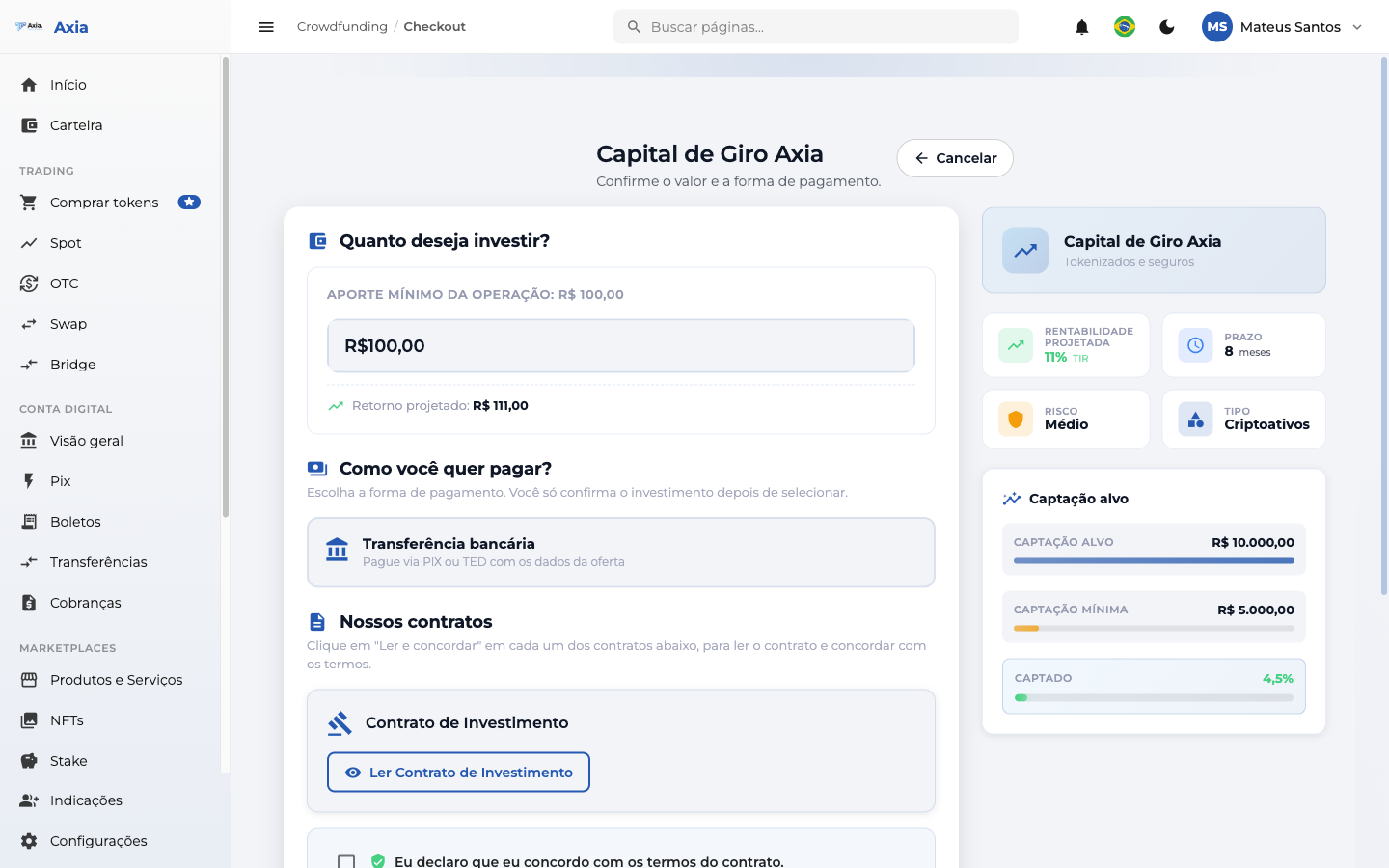
- How much would you like to invest? — enter the amount (respecting the minimum contribution); the screen shows the projected return.
- How would you like to pay? — choose the payment method. The options depend on each offering's configuration and may include Bank transfer, PIX, and Crypto.
- Our contracts — click Read Investment Contract and check "I declare that I agree with the terms of the contract".
- Confirm to register the contribution.
My Investments
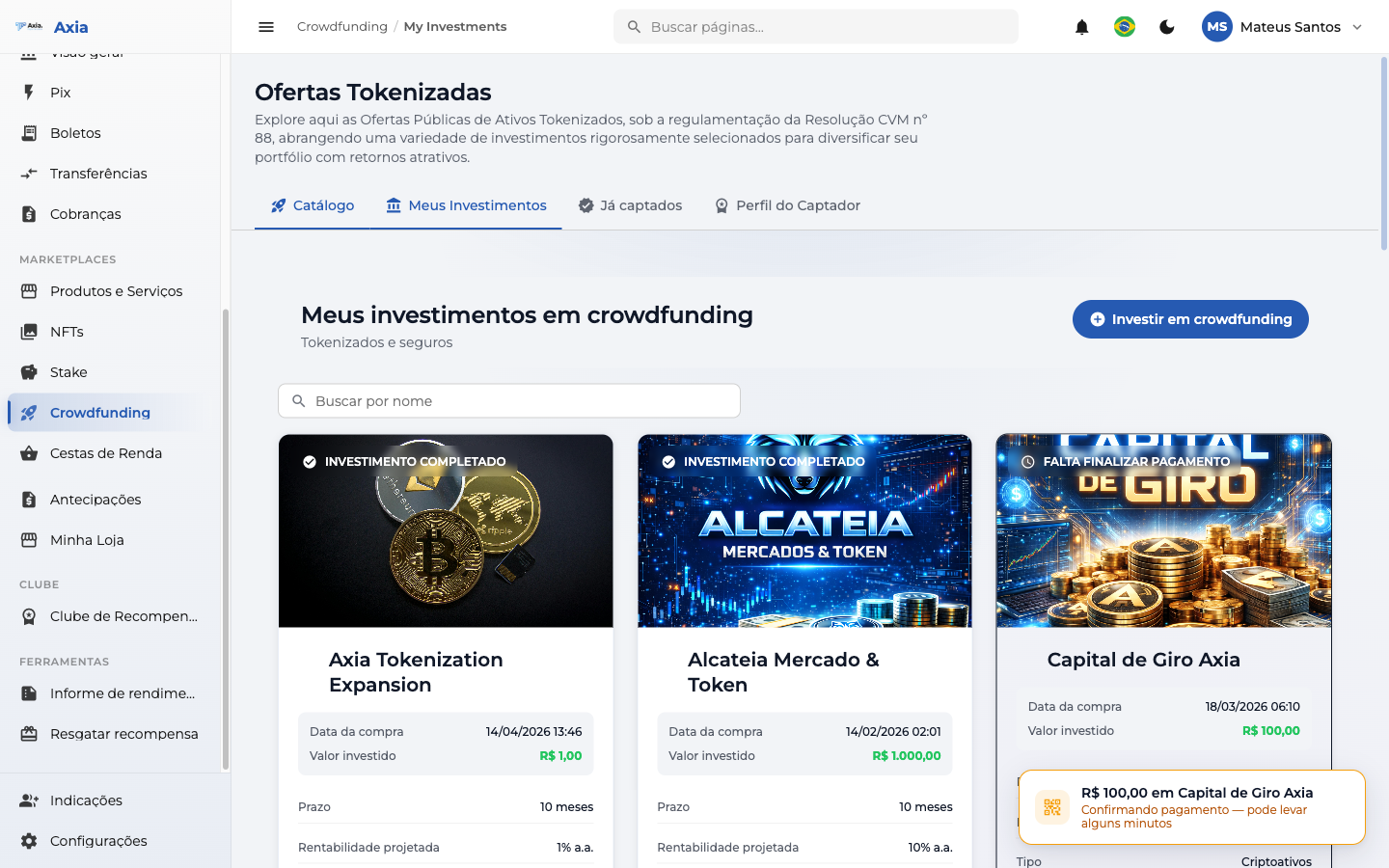
The My Investments tab lists the offerings you have contributed to, along with the status of each one:
Funded
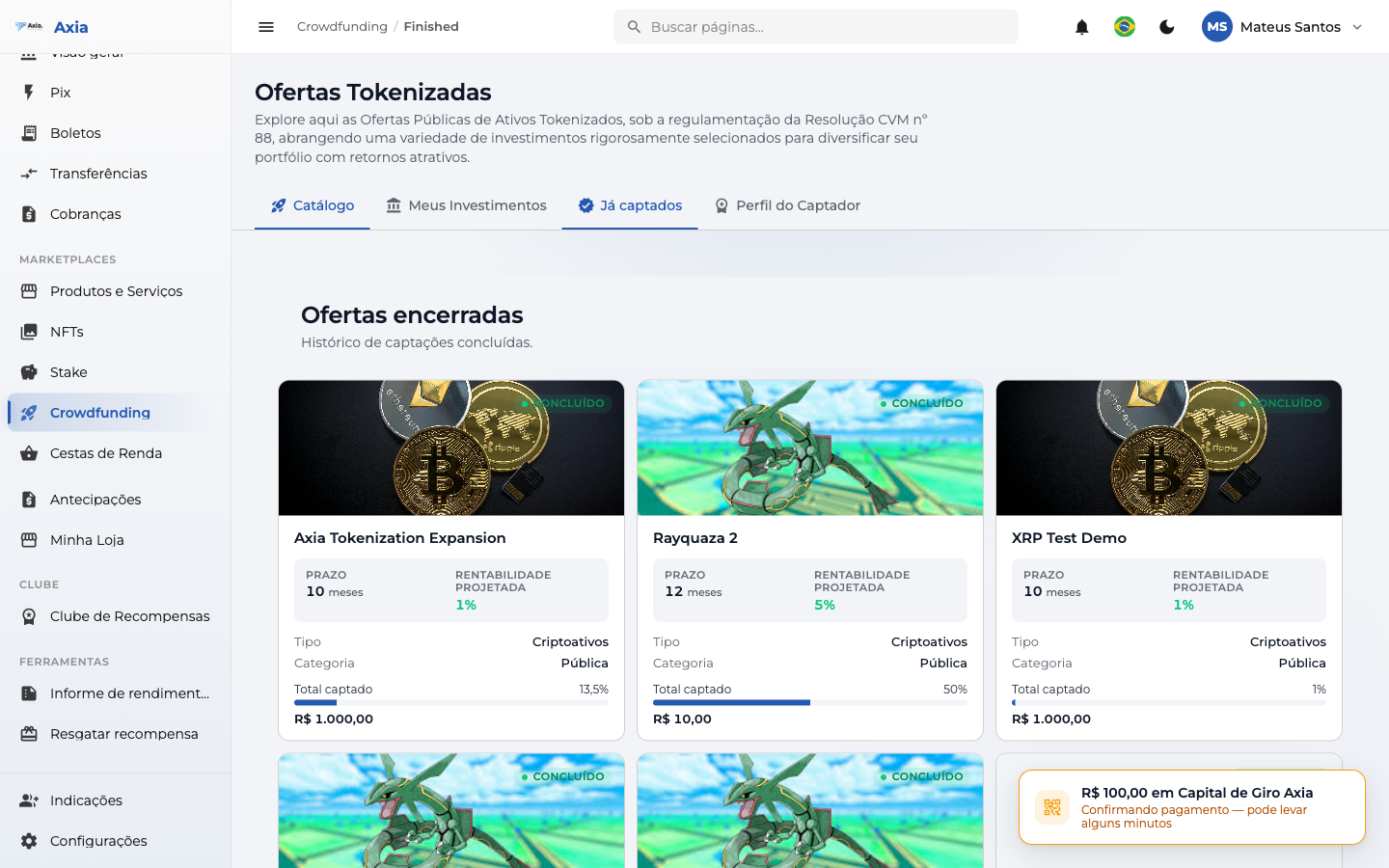
The Funded tab shows the closed offerings (fundraising completed):
Fundraiser Profile
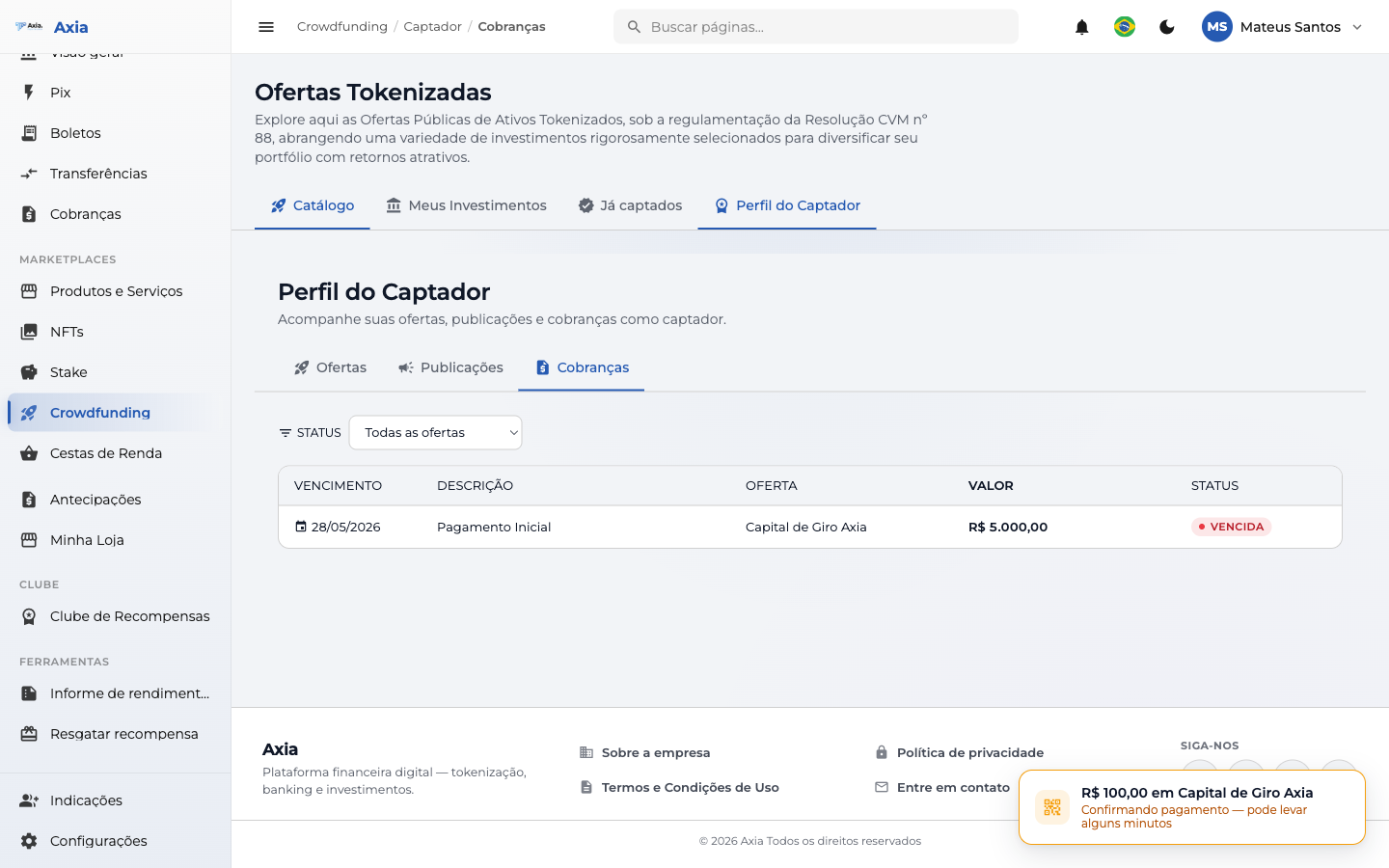
If you raise funds (and don't just invest), the Fundraiser Profile tab gathers your view as a fundraiser, across three sub-tabs:
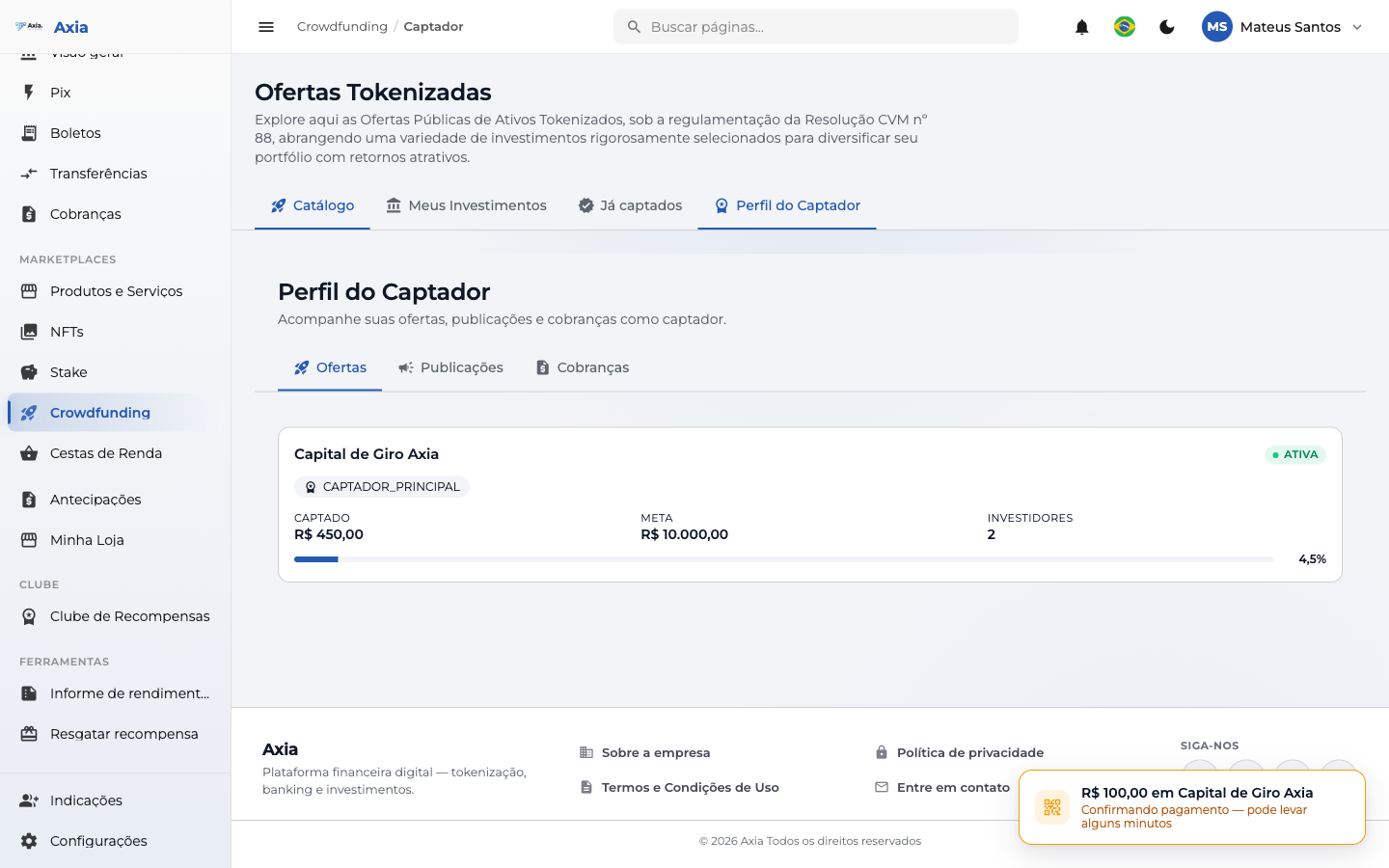
- Offerings — your fundraising rounds, with amount raised, goal, and number of investors.
- Posts — a feed of news that you publish for investors.
- Charges — charges from your offerings, with due date, amount, and status.
TIP
Before investing, it's worth reading the offering's Technical sheet, legal documents, and FAQ. The amount you apply is reserved and appears in your balance as reserved by project.