
Payments Area
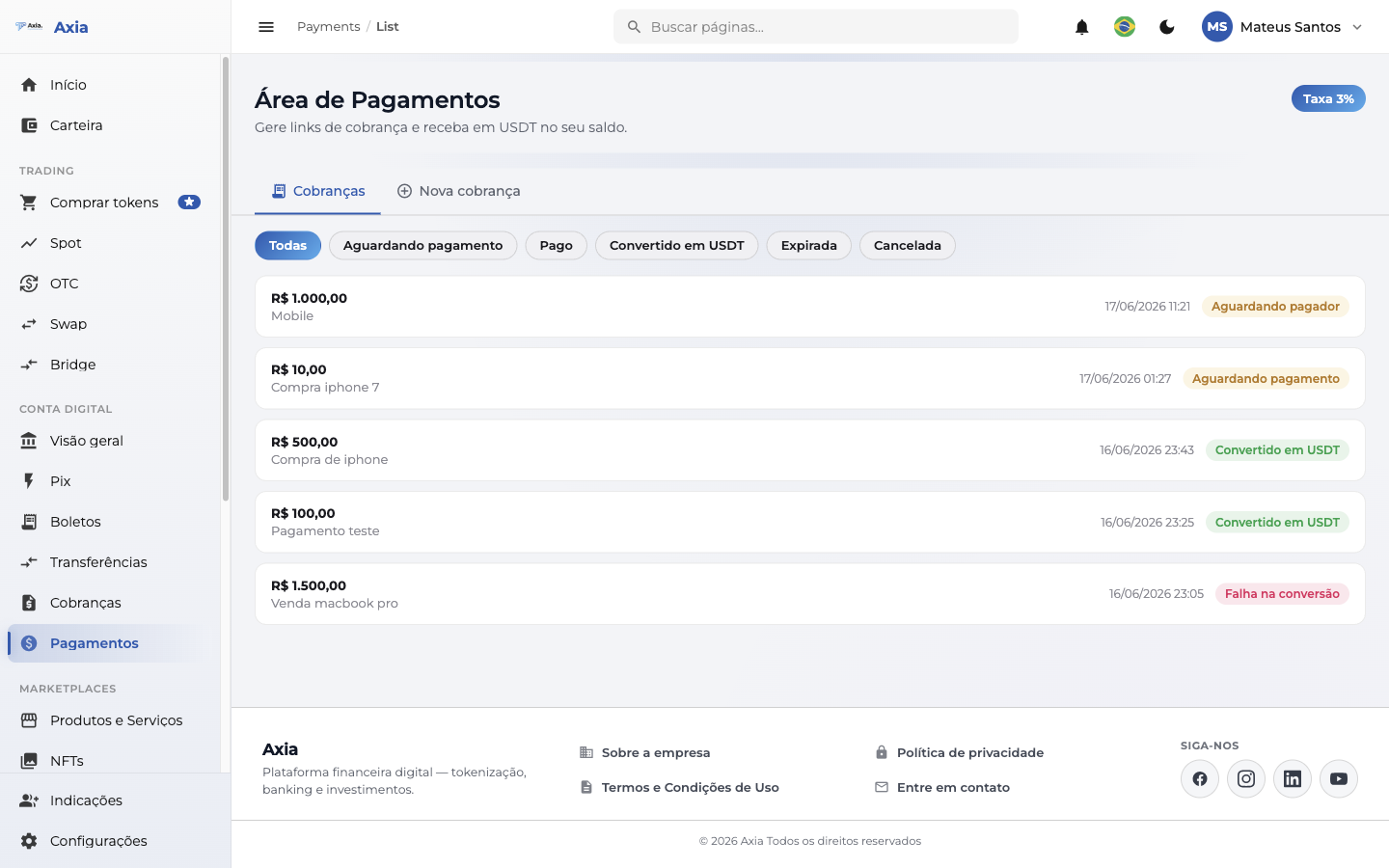
The Payments Area lets you generate charge links to receive from anyone, even if they don't have an account on the platform. You create a charge with an amount, share the link (or QR Code), and whoever pays makes a PIX. As soon as the payment comes in, the amount lands converted into USDT in your balance, already with the fee deducted.
When to use
Use it to sell a product or service, receive from a one-off customer or charge third parties without requiring them to register. Each link is a charge with a defined amount.
Create a charge
1. Open "New charge"
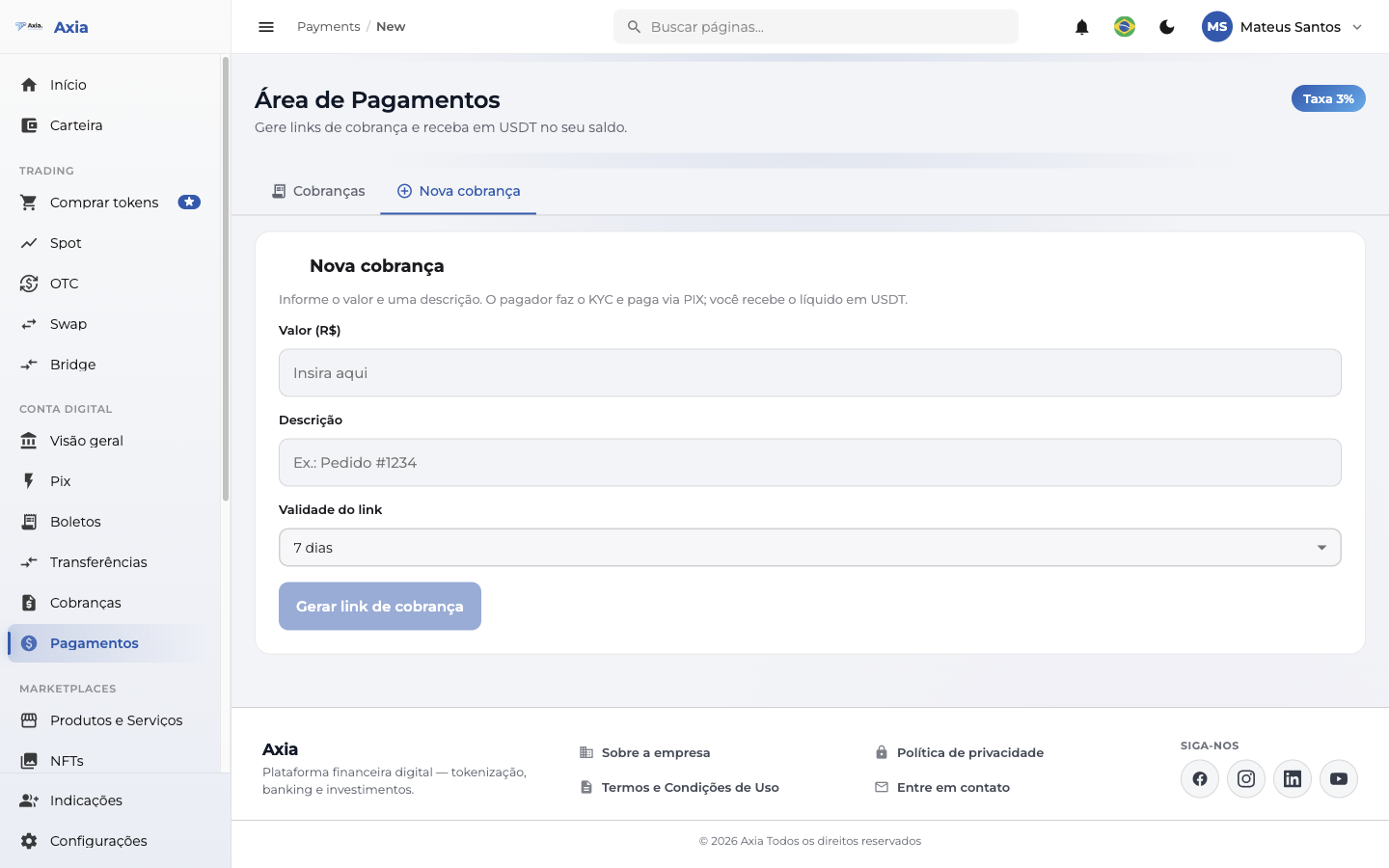
In the Payments Area, tap New charge and fill in:
- Amount — how much you want to receive (e.g.:
10= R$ 10,00;10,50= R$ 10,50). - Description (optional) — a reference for you to identify the charge.
- Validity — until when the link stays valid for payment.
2. Share the link
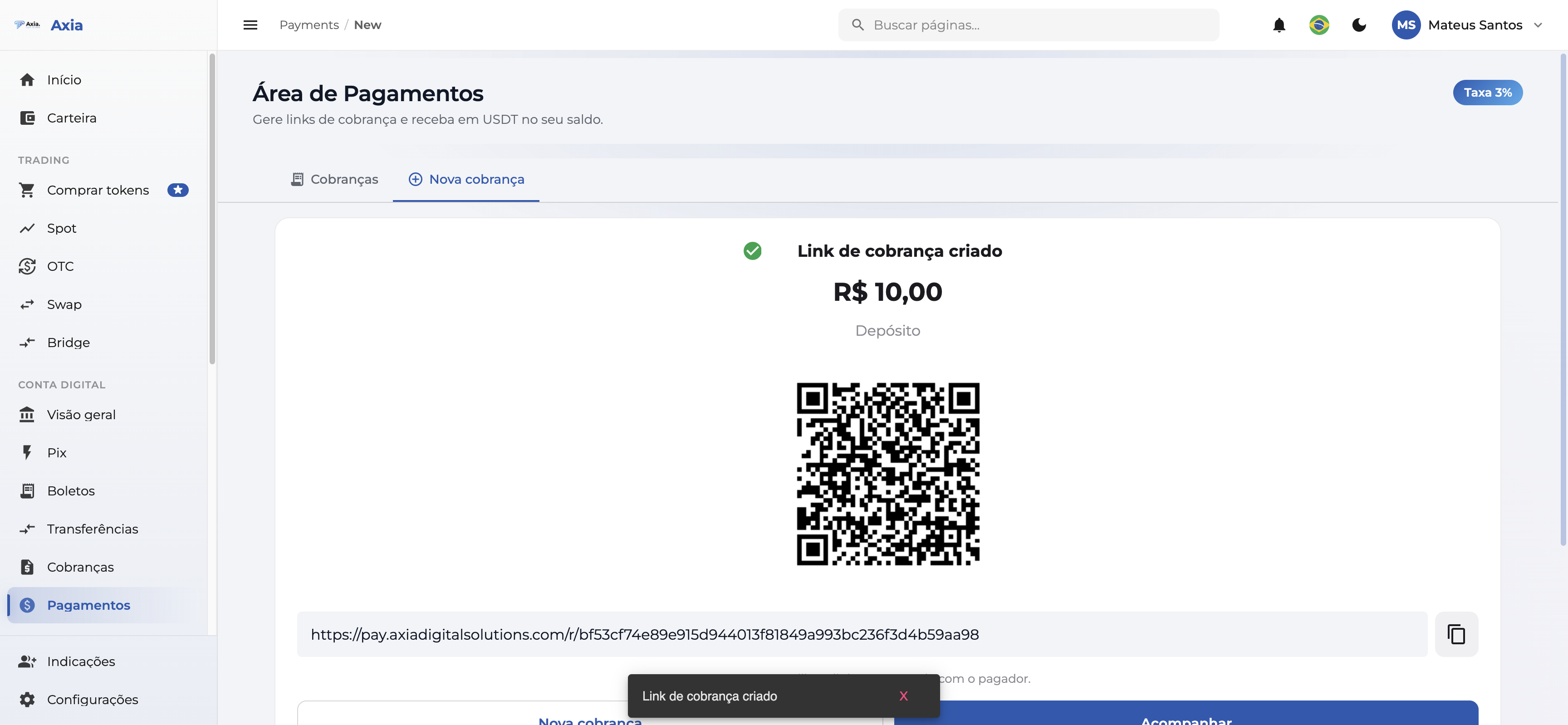
When you confirm, the platform generates a public link and a QR Code. Copy the link, share the QR Code or send it straight to whoever is going to pay you.
Each link is one charge
Each link is good for one payment. To receive from more than one person, generate a link for each charge.
Track your charges
The list shows all your charges with amount, date and status. Use the filters by status to find what you need.
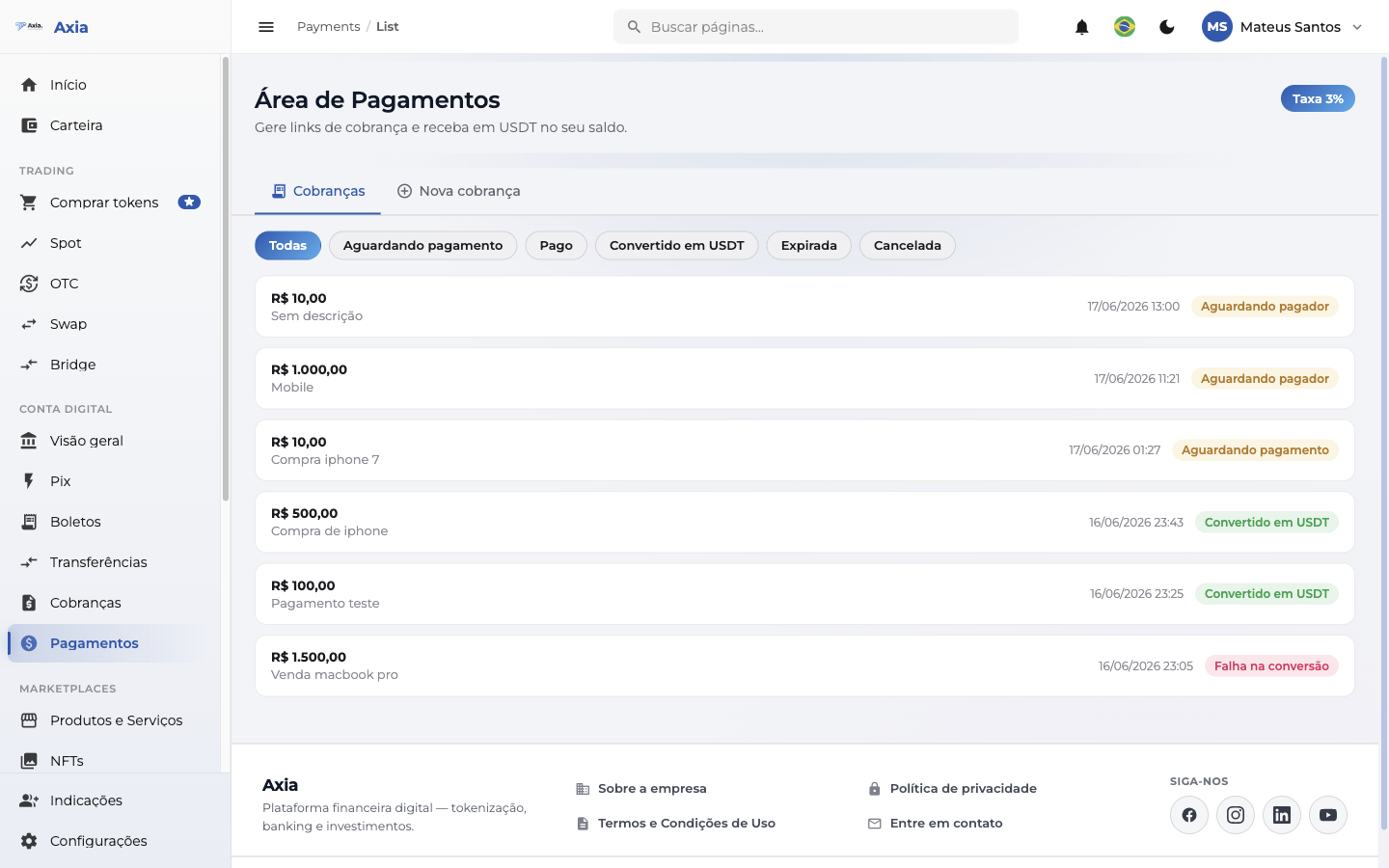
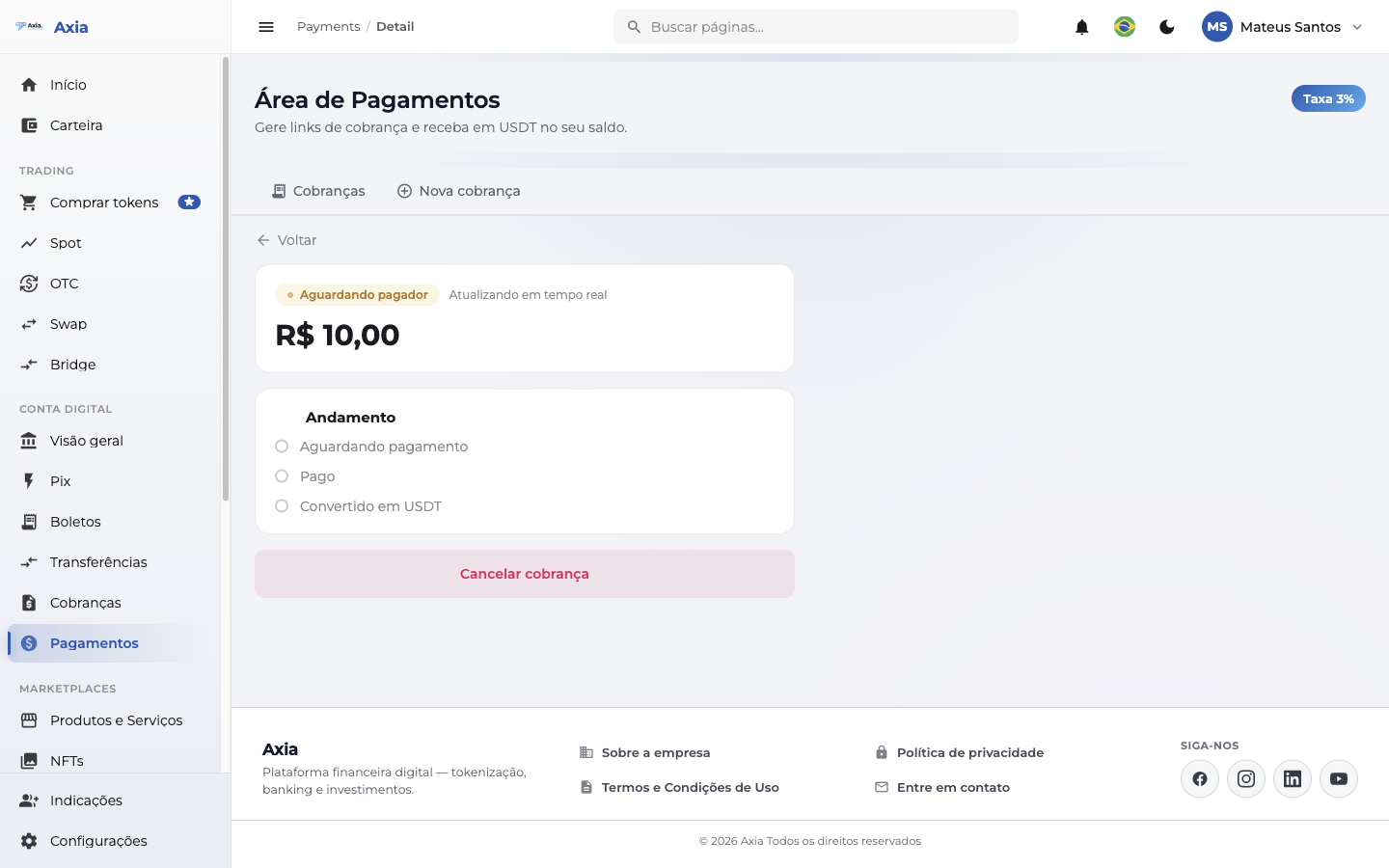
Tap a charge to see the detail, with a timeline that follows the payment in real time:
- Awaiting payment — the link was opened and the PIX is pending.
- Paid — the PIX came in and was confirmed.
- Converted into USDT — the net amount landed in your USDT balance.
You also receive a confirmation email when the payment is completed.
Amount in USDT
The detail shows the net in USDT already with the fee deducted and the quote applied on conversion.
How your customer pays
Whoever receives your link doesn't need an account on the platform. The payer's experience is simple and secure:
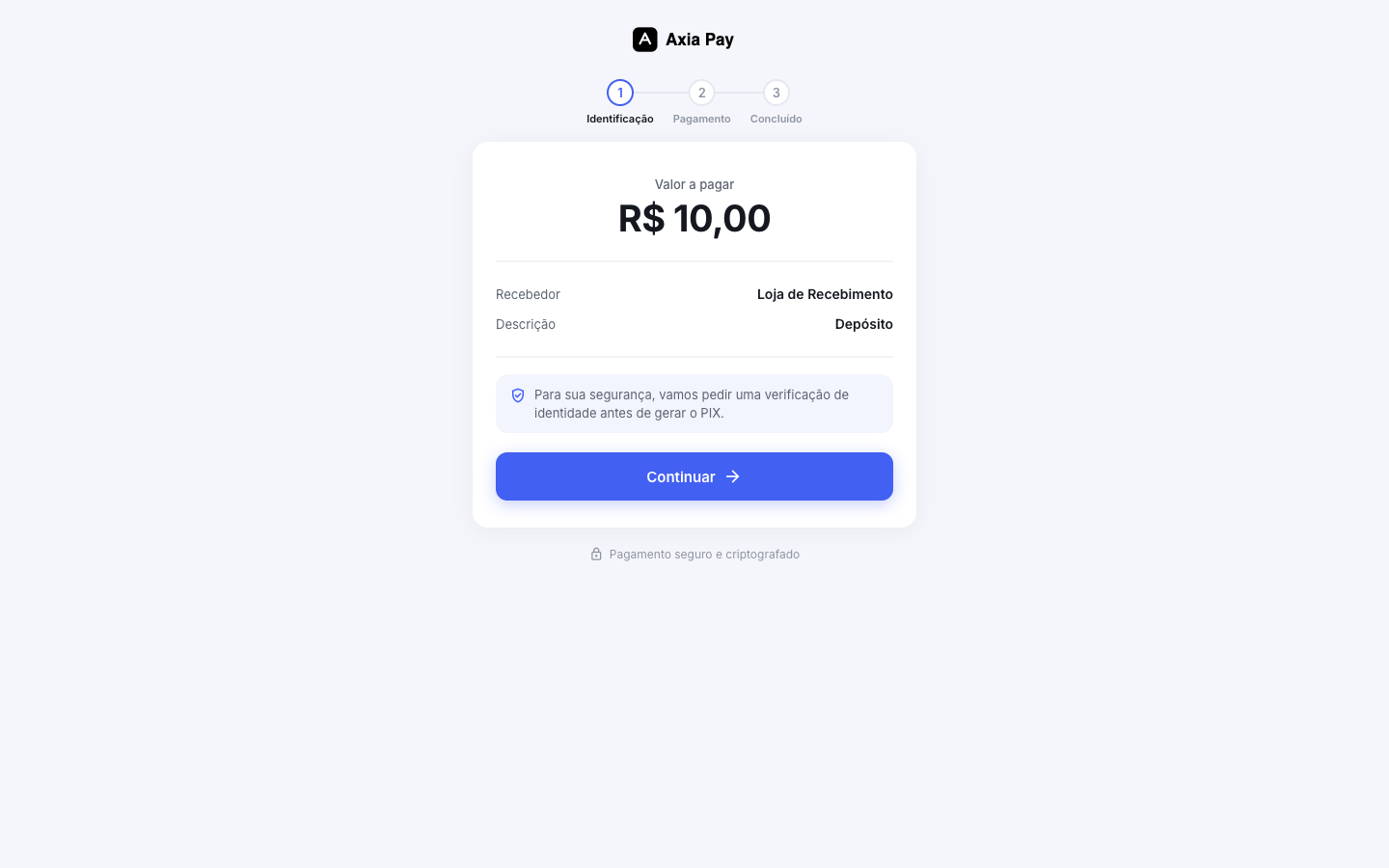
1. Opens the link — sees the amount to pay, your name (merchant) and the description.
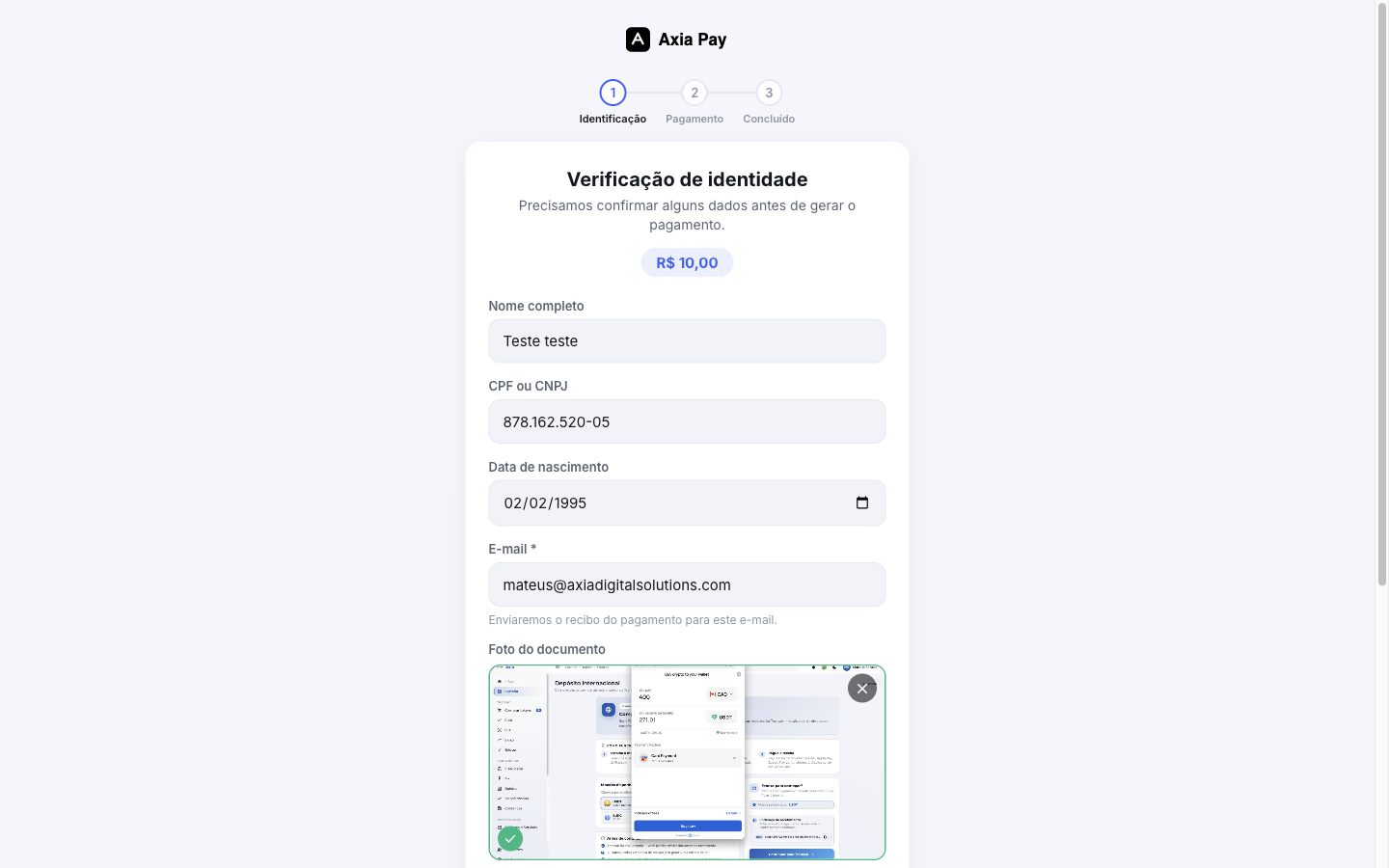
2. Does the identity verification (KYC) — informs name, CPF/CNPJ, birth date and email, and sends a photo of the document and a selfie, with the privacy consent (LGPD).
3. Pays the PIX — after the verification, the PIX copy-and-paste and the QR Code of the exact amount appear; the payer pays through their bank.
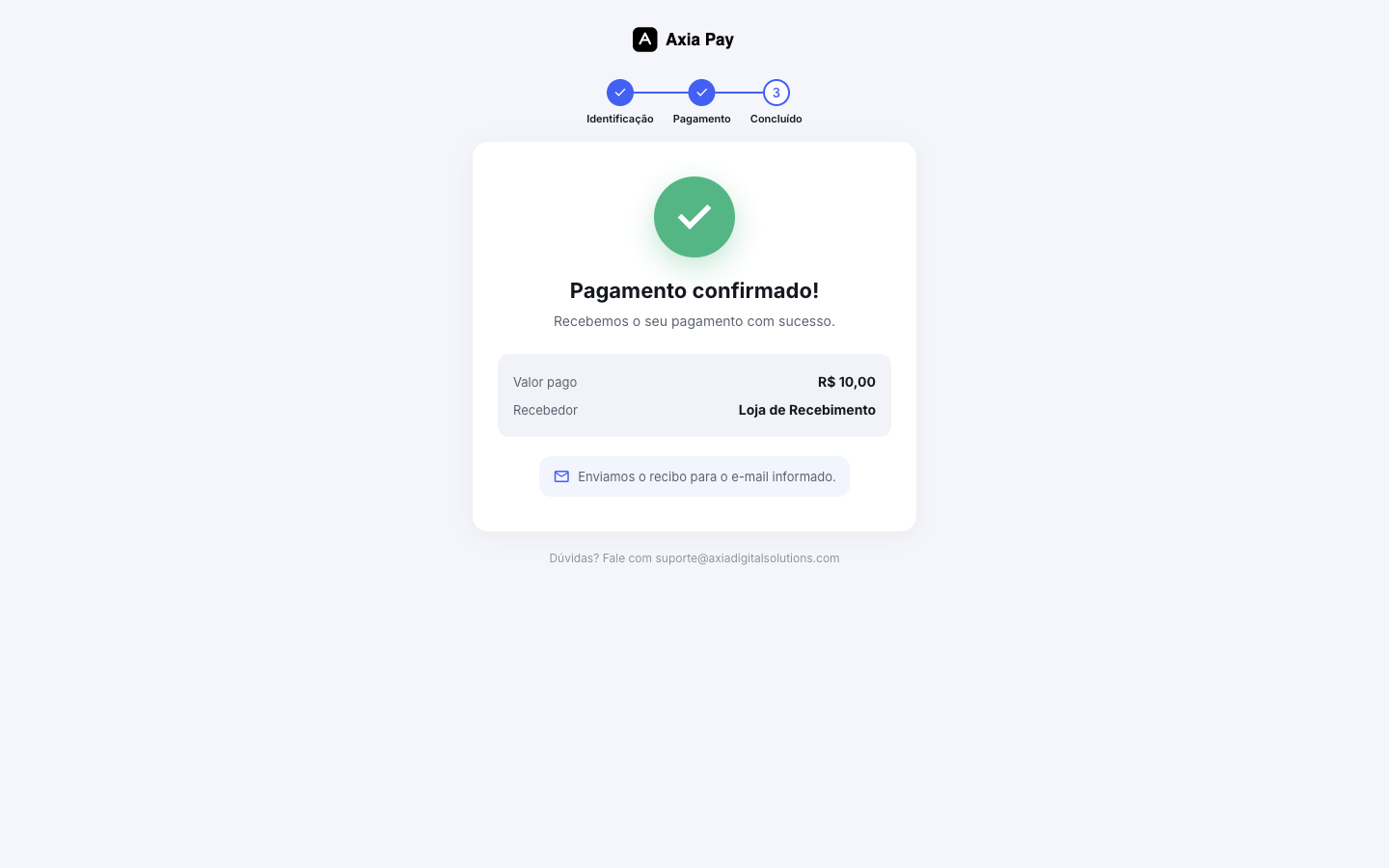
4. Confirmation — upon confirming the payment, the payer sees the success screen and receives the receipt by email.
The PIX lands converted into USDT
The amount paid in reais is converted into USDT for your balance, with the agreed fee deducted. The quote used is the one at the moment of conversion. The payer verification is done for compliance and does not delay the payment.