
Charges
The Charges area tracks your open charges, boletos, and PIX payments — the ones you issued to receive from third parties.
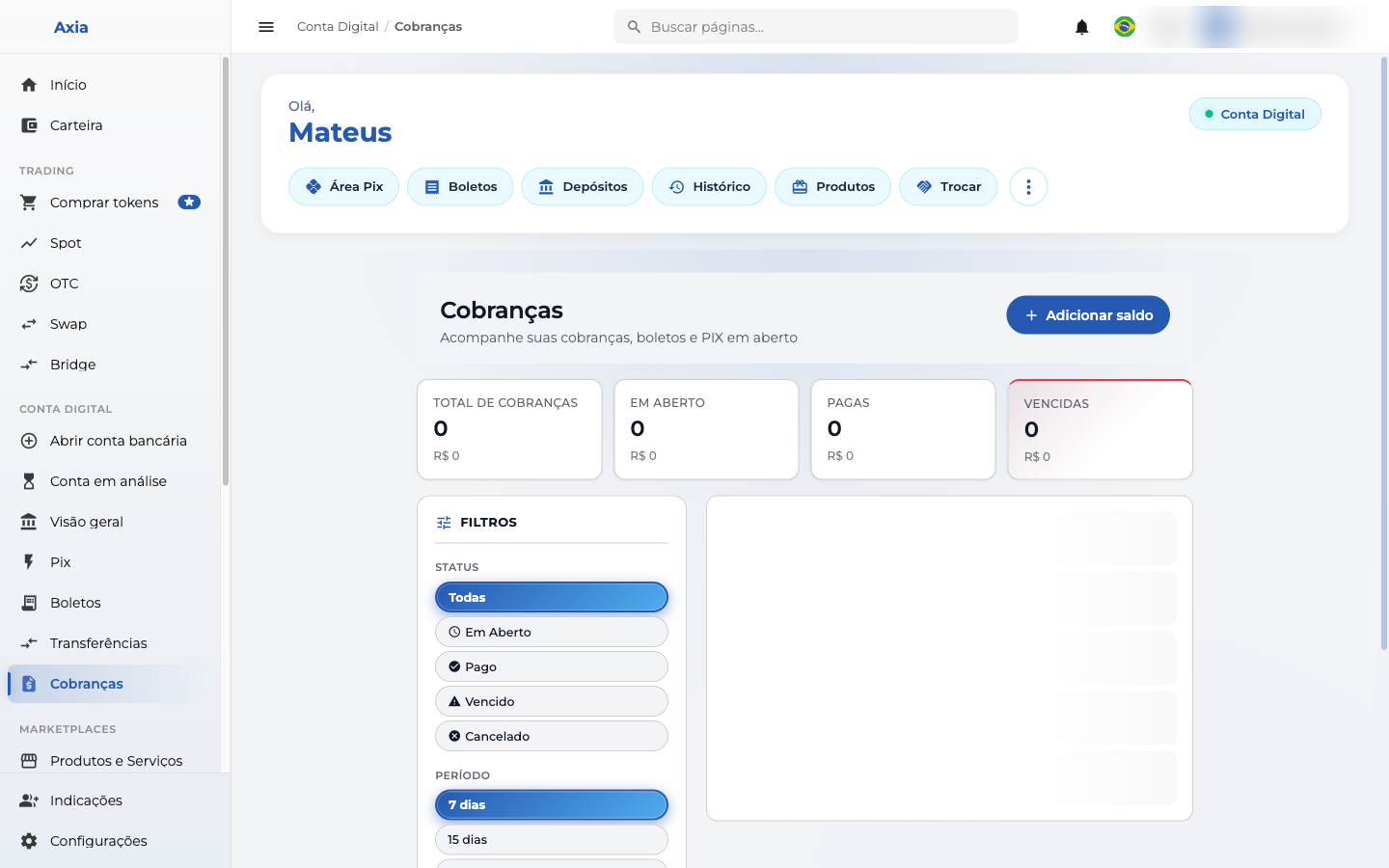
Overview
At the top, indicators summarize the situation:
- Total charges
- Open
- Paid
- Overdue
Filters
Use the filters to find charges by:
- Status — All, Open, Paid, Overdue, Canceled.
- Period — 7, 15 days, and other ranges.
The list shows each charge with its amount and status. Through the add button, you generate new charges to receive payments.