
Open a bank account
The Digital Account is your bank account inside the platform. If you started with only the crypto wallet, you can open the account at any time.
Open your account
In the side menu, click Open bank account. You will see the welcome screen:
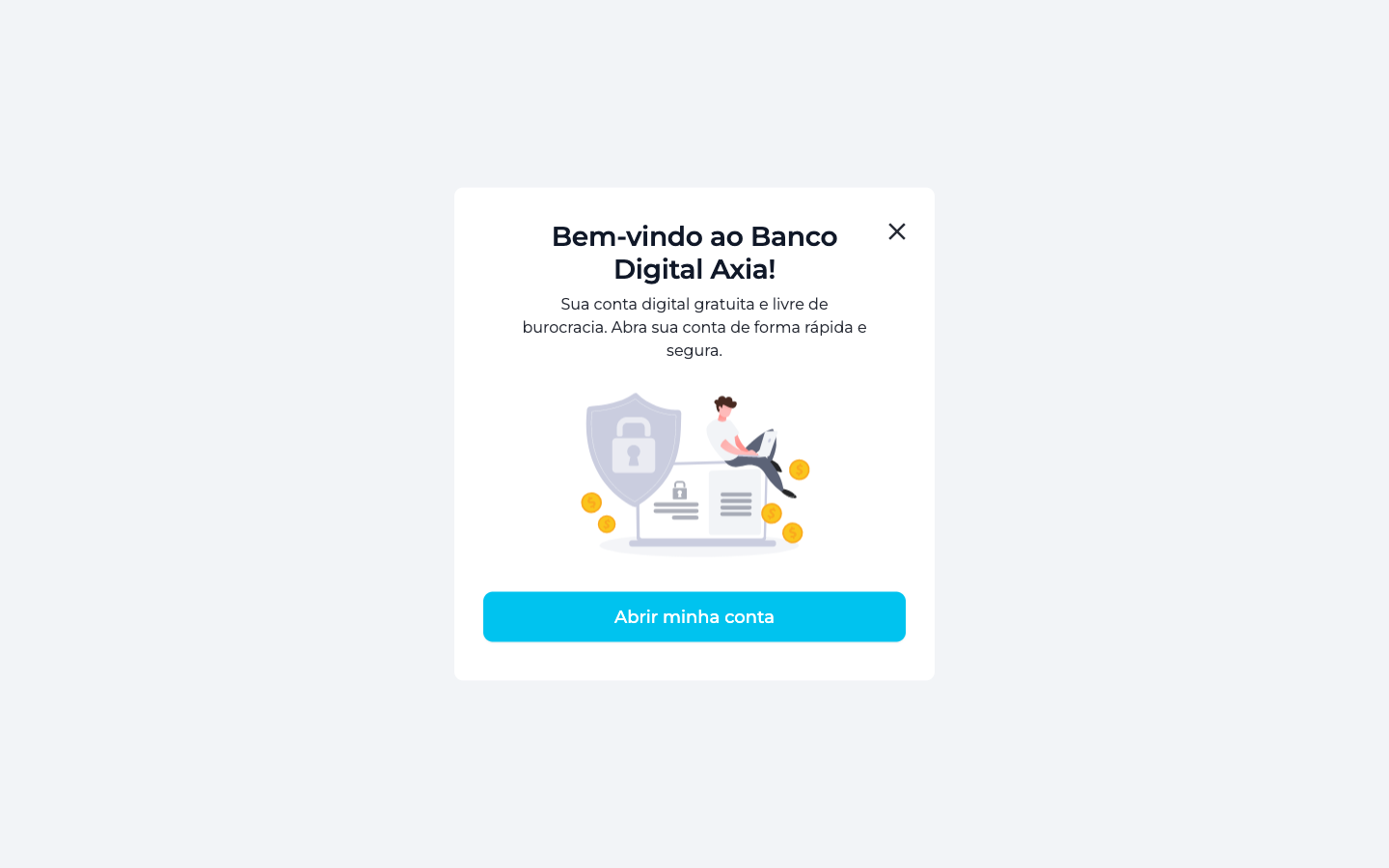
Click Open my account to get started.
Step 1 of 4 — Your documents
Account opening is guided through 4 steps. The first one validates your identity:
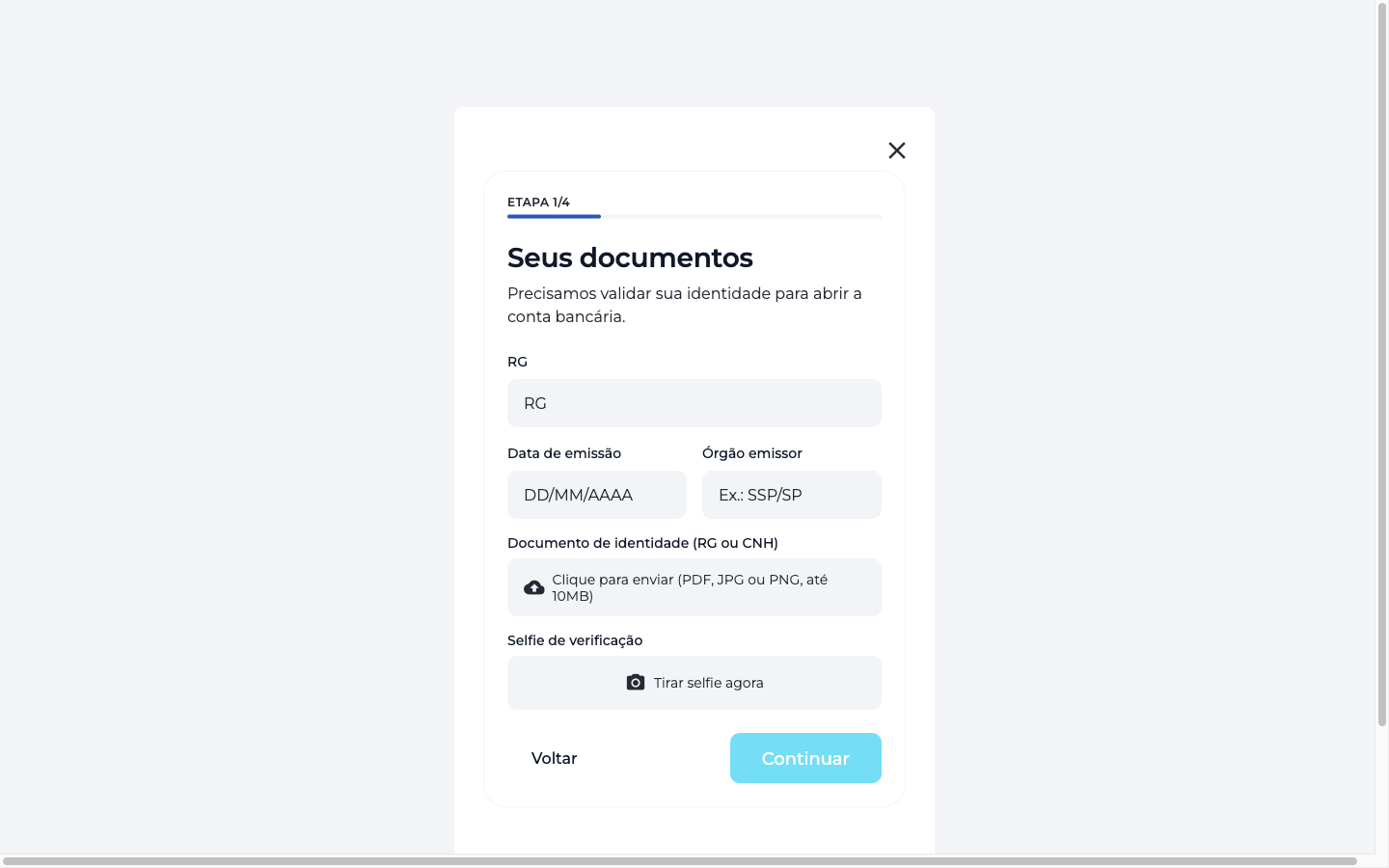
| Field | What to provide |
|---|---|
| ID | Your document number |
| Issue date | The date the document was issued |
| Issuing authority | E.g.: SSP/SP |
| Identity document | Upload an ID or driver's license (PDF, JPG or PNG, up to 10 MB) |
| Verification selfie | Take a selfie on the spot to confirm it's you |
After filling everything in, click Continue to move through the remaining steps until you finish the request.
TIP
The digital account is free and hassle-free. After submission, your identity goes through review before activation. Once approved, the Digital Account area unlocks PIX, transfers, boletos, payment requests and more.