
User permissions
This permission feature is sufficient to ensure that each user has access only to the areas needed to perform their tasks according to their role. The super administrator can change the permission or delete it.
In the case of a super administrator, they can use the search field to look up a user or by access type.
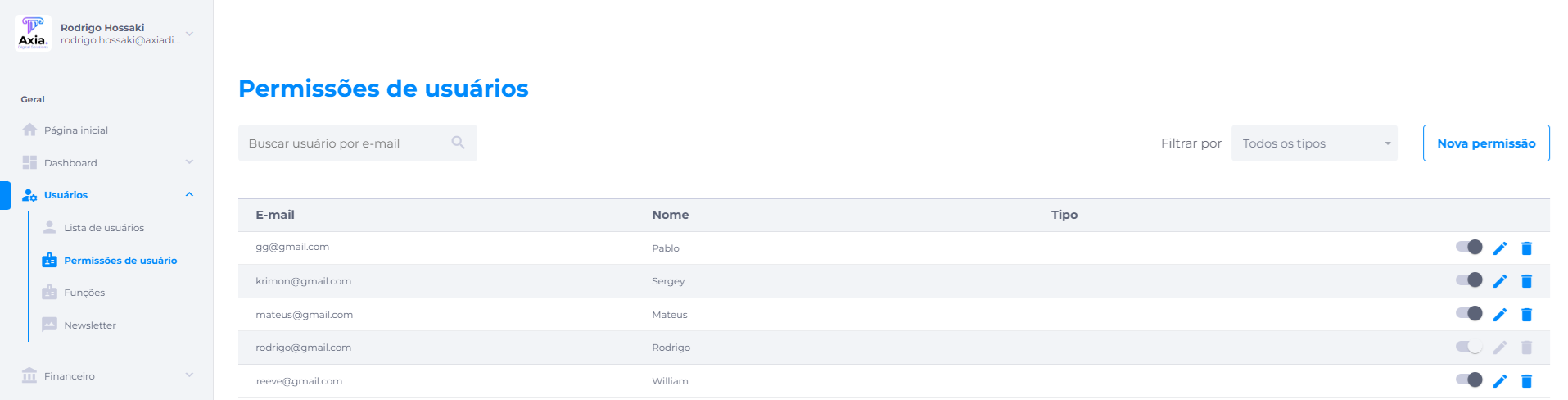
As shown in the image below, the permissions created as an example would be administrator and super administrator, but it is possible to create more permissions on the roles screen.
To grant a permission to a user, simply enter the user's email, confirm in the check right next to it, select the permission type, and click Save.
.png)